1. Use a pencil to mark two holes in parallel. Make sure they are the same distance apart as the wall mount holes on the camera unit.
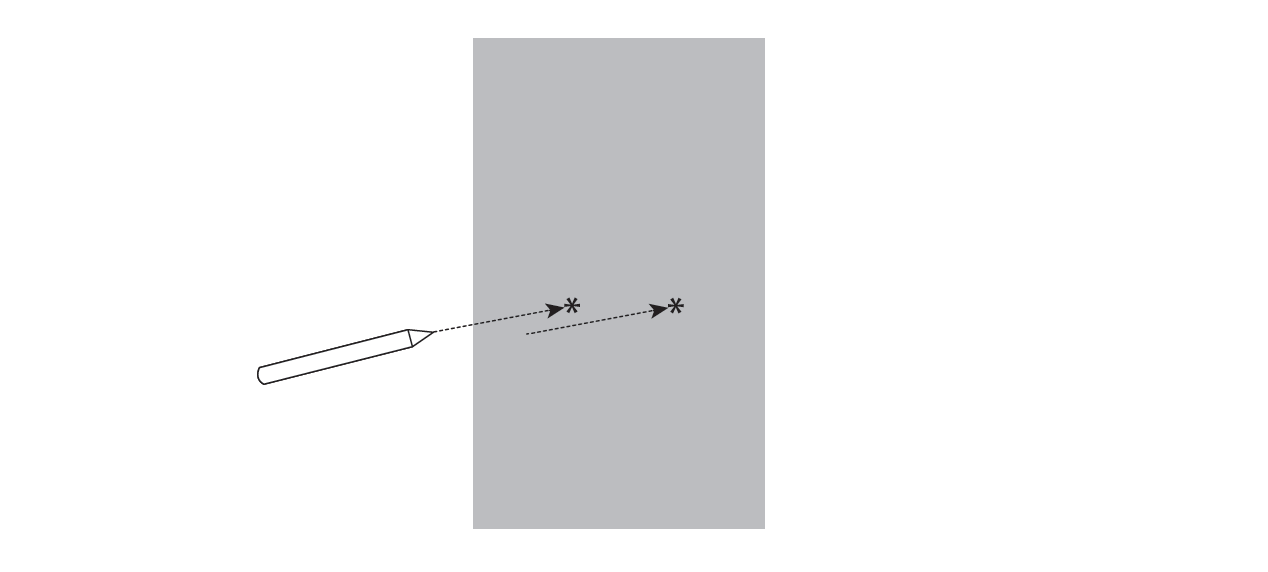
2. Drill two holes in the wall.

If you drill the holes into a stud, go to step 3.
-OR-
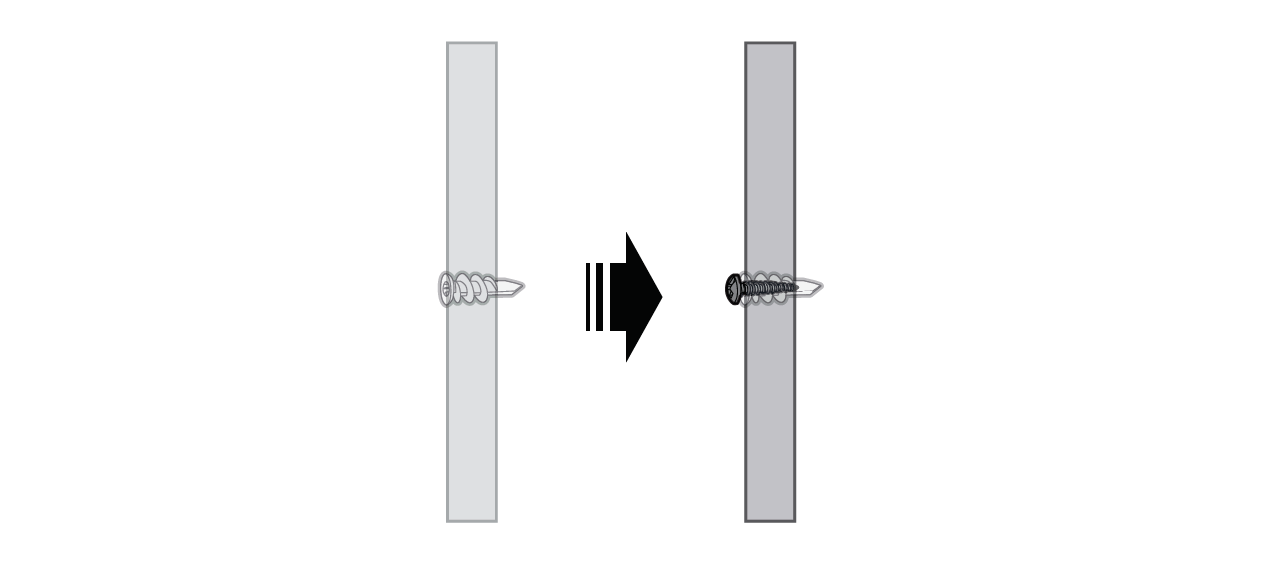
If you drill the holes into an object other than a stud, insert the wall anchors into the holes. Screw in the wall anchors until they are flush with the wall.
3. Insert the screws into the holes and tighten them until only 1/4 inch of the screws are exposed.
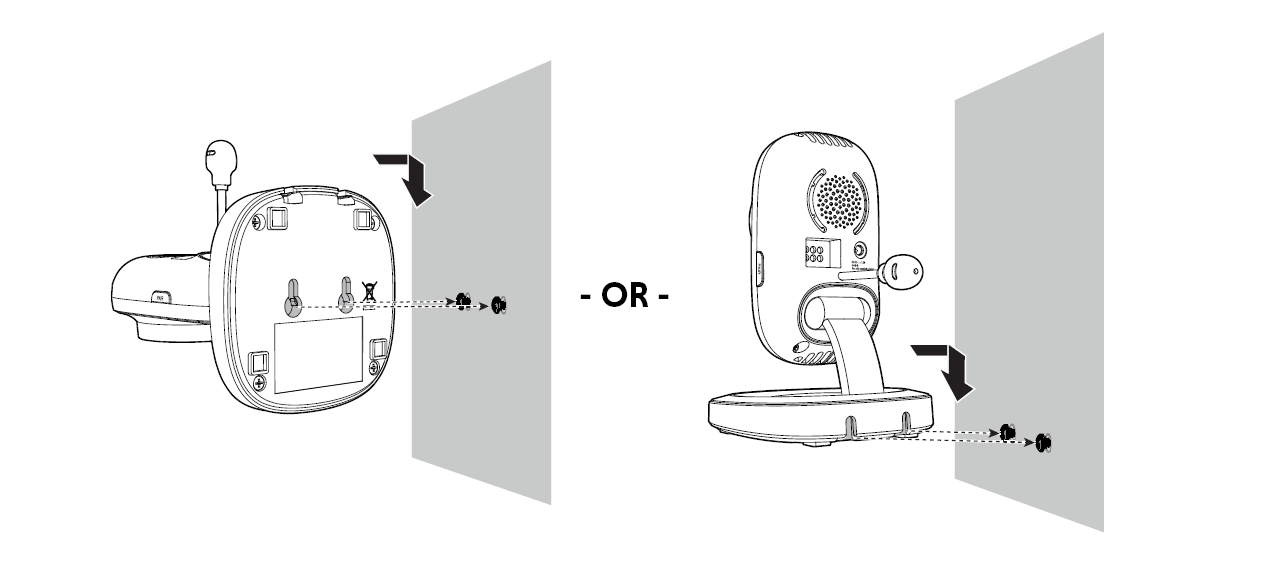
4. Align the wall mount holes on the camera unit with the screws on the wall. Slide the camera unit down until it locks into place.
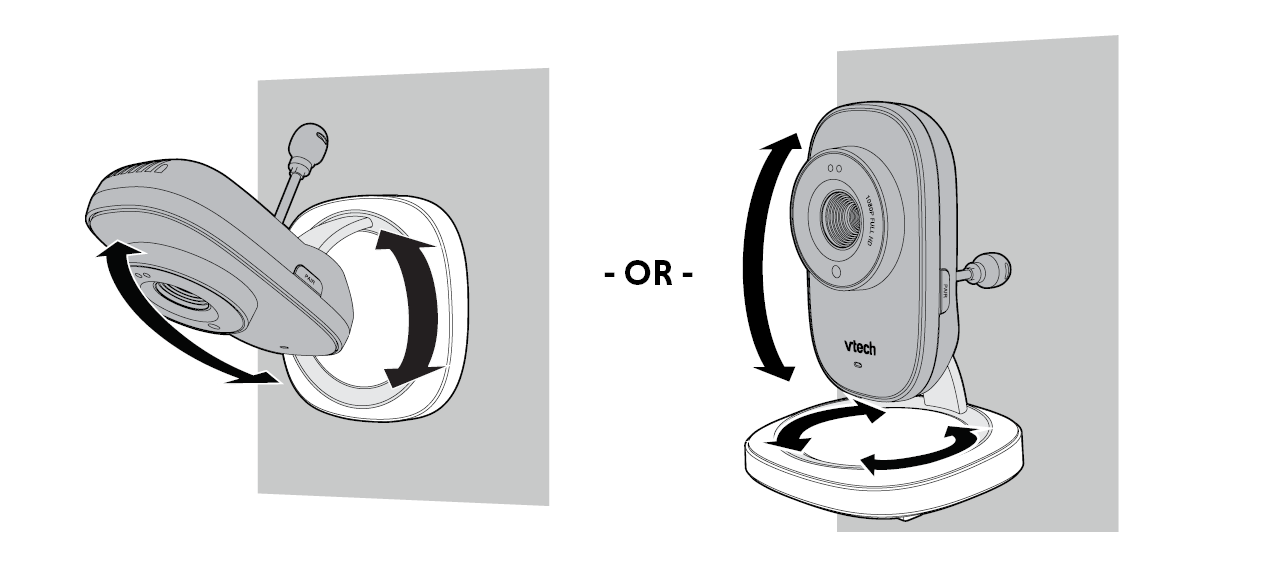
5. Adjust the camera angle.