After adding your first camera, follow the below steps to add your second camera.
- Press
 when the parent unit is idle.
- Press
 ,
,  ,
,  or
or  to choose General Settings, then press .
- Press or to choose Pair/Unpair CAM, then press .
- Press or to choose Pair CAM, then press .
- Press or to choose an empty camera slot, then press .
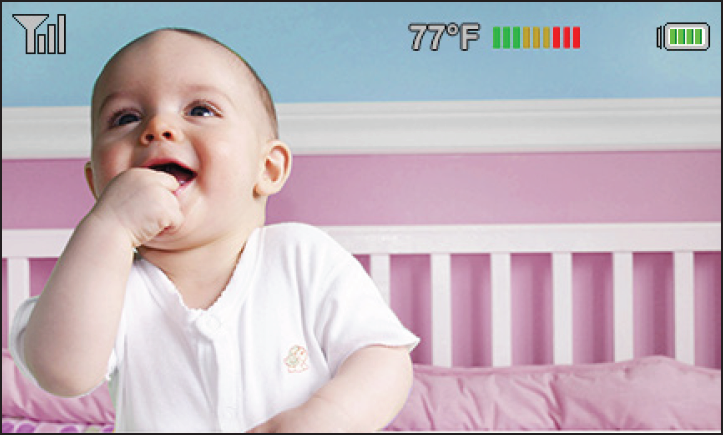
- Follow the instructions shown on the screen to add the camera. When the camera is successfully added to your parent unit, the parent unit displays the camera image.