Download the free MyVTech Baby 1080p mobile app from the App Store or Google Play store and install it to a mobile device, then you can use your mobile device and the mobile app to monitor your areas remotely.
 NOTE
NOTEMake sure your mobile device meets the minimum requirement for the mobile app.
Minimum requirement
The mobile app is compatible with:
The mobile app is compatible with:
- Android™ 5.0 or later; and
- iOS 8.0 or later.
Install MyVTech Baby 1080p mobile app 
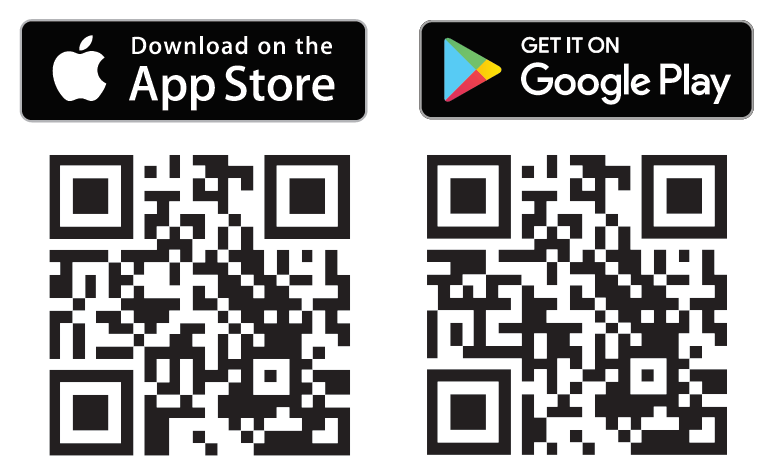
1. Browse the App Store  or the Google Play Store
 .
.
2. Search for the mobile app with the keyword "myvtech baby 1080p".
3. Download and install the MyVTech Baby 1080p mobile app to your mobile device.
Driven by Android and iOS updates, MyVTech Baby 1080p mobile app, app manual, and online FAQs will be updated periodically.
Download and install the latest mobile app. For the latest information and supports, go and check the app manual and online FAQs.
Download and install the latest mobile app. For the latest information and supports, go and check the app manual and online FAQs.