Camera List
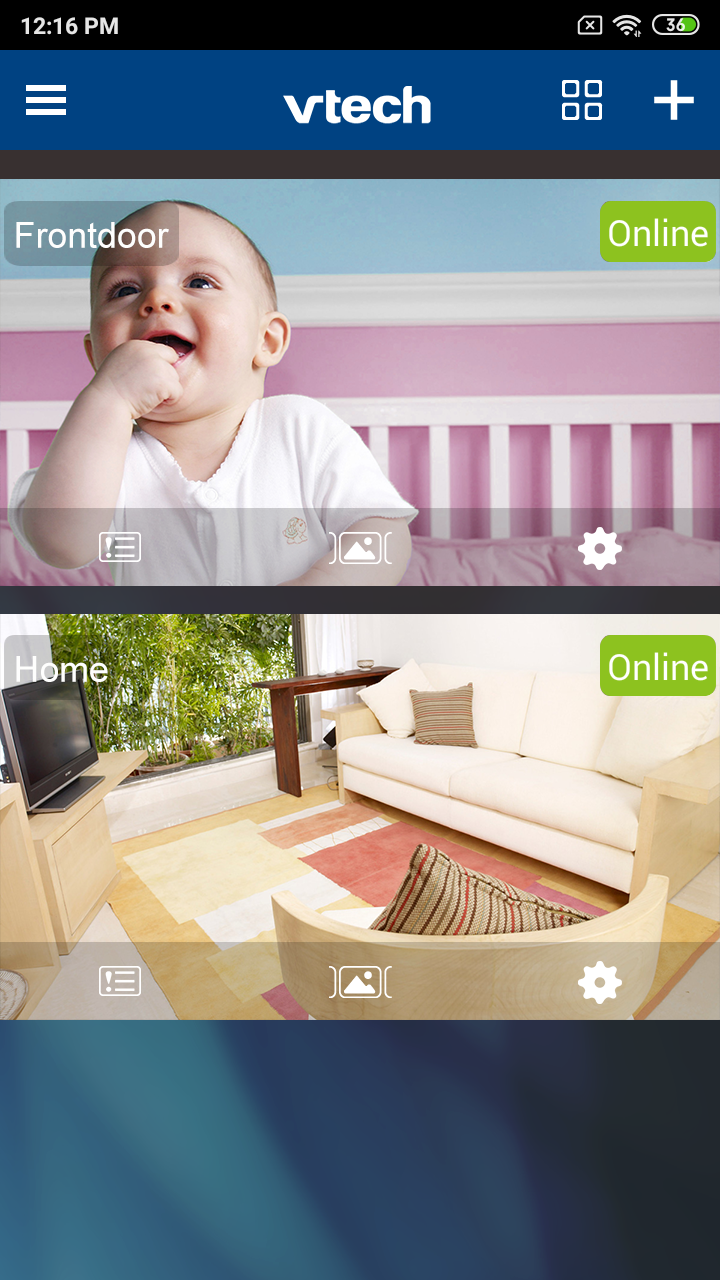
Side Menu
- Camera
- Show all cameras in your system
- Account
- Change password;
- View Terms of Use and Privacy Policy; and
- Sign out
- Help
- Access Installation guide, App manual, FAQs; and
- Contact us
- About
- See information about the app
List View | Split View
Tap  to switch between Camera List View and Split View.
Add camera in Camera List
Tap  to add a camera to your system.
Single View
Tap the screen to enter the Single View in Camera List View.
Turn your mobile to switch between Portrait and Landscape.
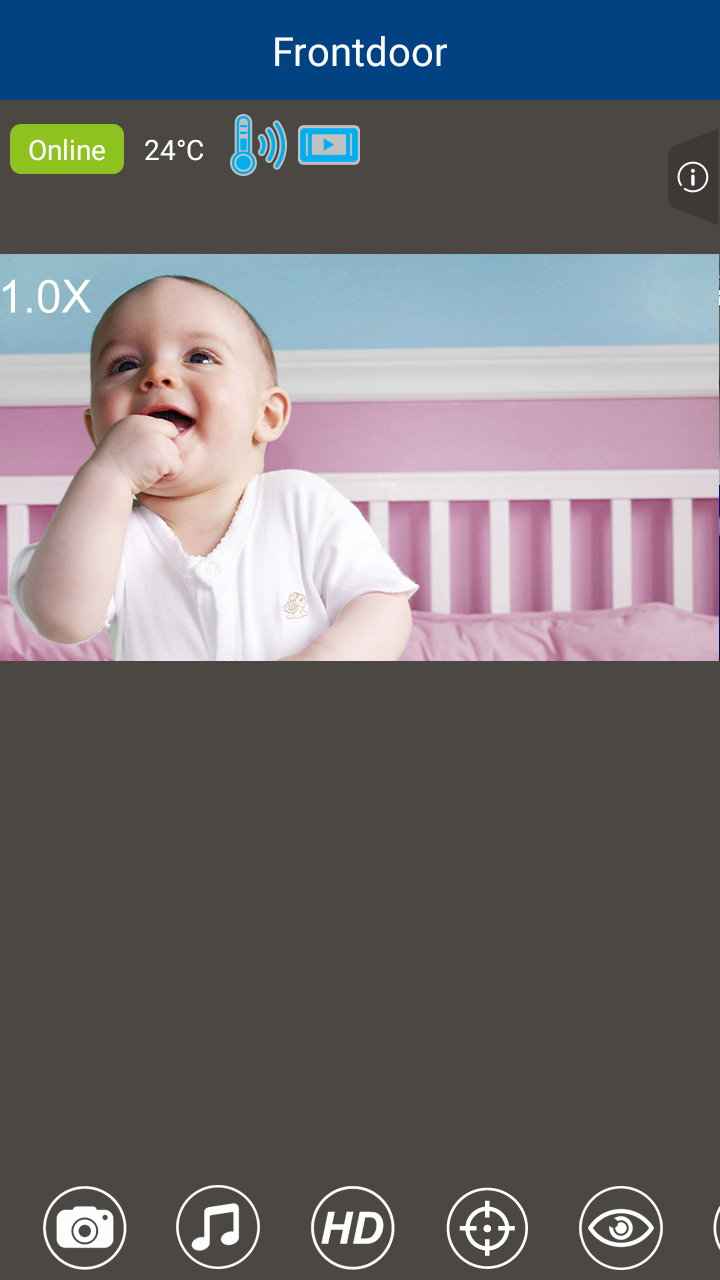
Status icons in Single View

- Temperature alert is on.

- The camera unit detects sound.

- The parent unit is also viewing the camera.

- Lullaby is playing.
- Tap
 to view current signal strength and video resolution.
Options while viewing the camera
 |
Play or mute sound |
 |
Talkback |
 |
Record video |
 |
Take snapshot |
 |
Play lullaby |
 |
Set video streaming quality |
 |
Preset camera view |
 |
Set View mode |
 |
Set night mode |