You can speak through your mobile device and transmit your voice to the camera's speaker.
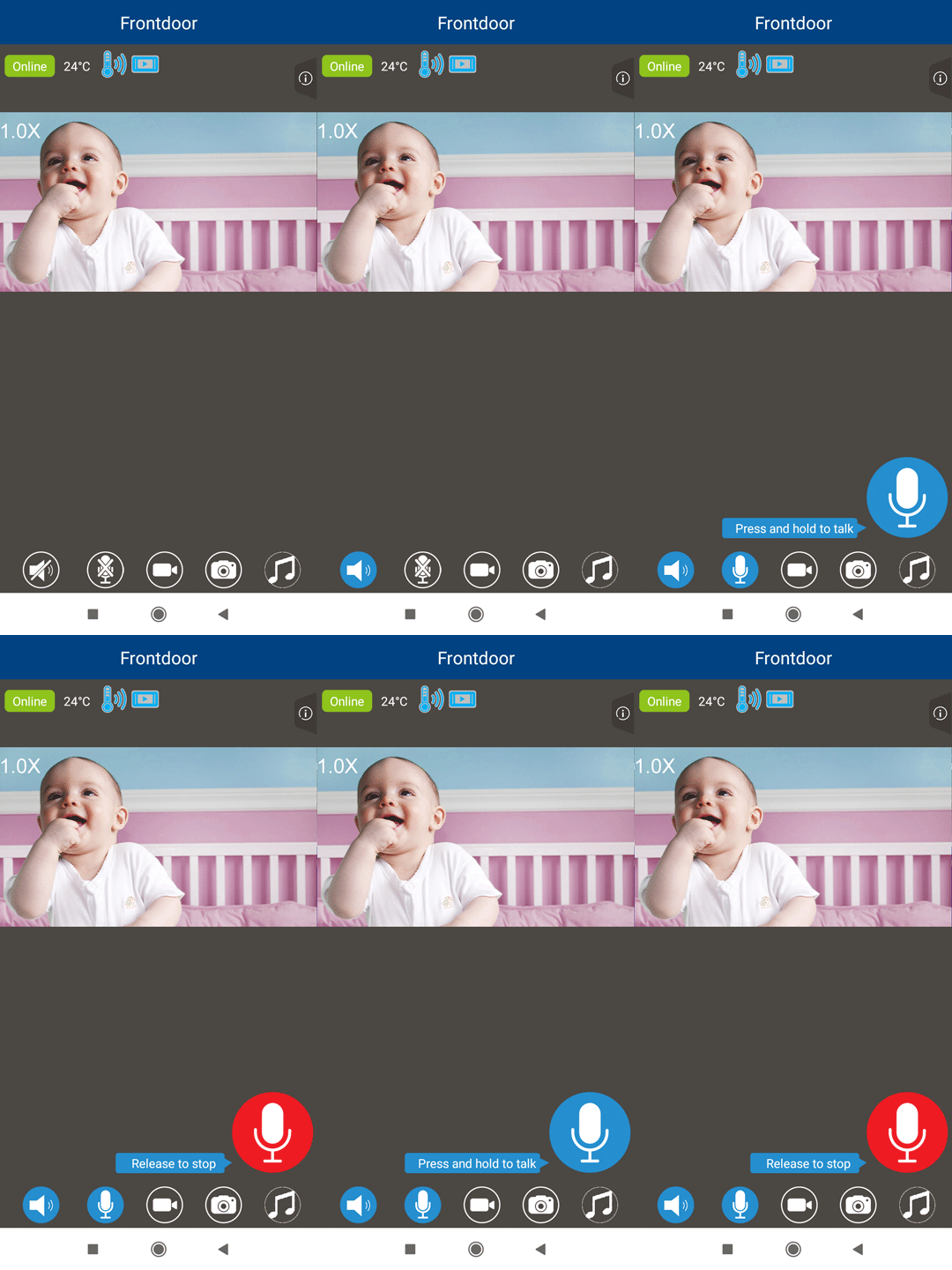
1. Tap  .
.
2. Tap and hold the larger  .
.
- It changes to
 .
.
3. Speak toward your mobile device's microphone.
- Your voice is transmitted to the camera's speaker.
4. Release your finger from to stop talkback or to hear the sound from the camera.