During live video streaming, you can manually record a video of the current view.
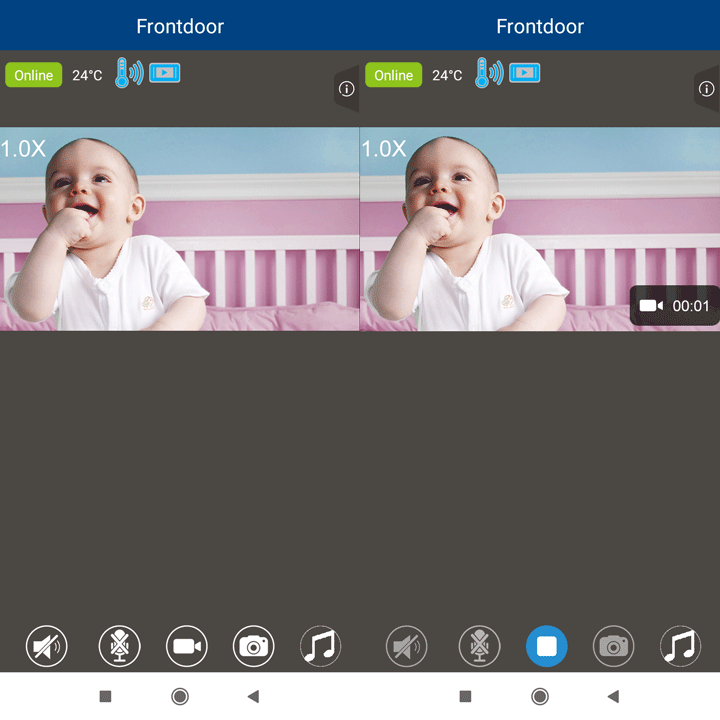
1. Tap  to start recording.
- The icon changes to
 .
.
2. Tap to stop recording.
 NOTES
NOTES
- Videos recorded manually are stored in your mobile device's memory.
- When you are recording video manually with the camera, the camera is able to record motion detection videos concurrently if motion detection is set to on.
Android - How to play, share or delete videos recorded by your camera
iOS - How to play, share or delete videos recorded by your camera