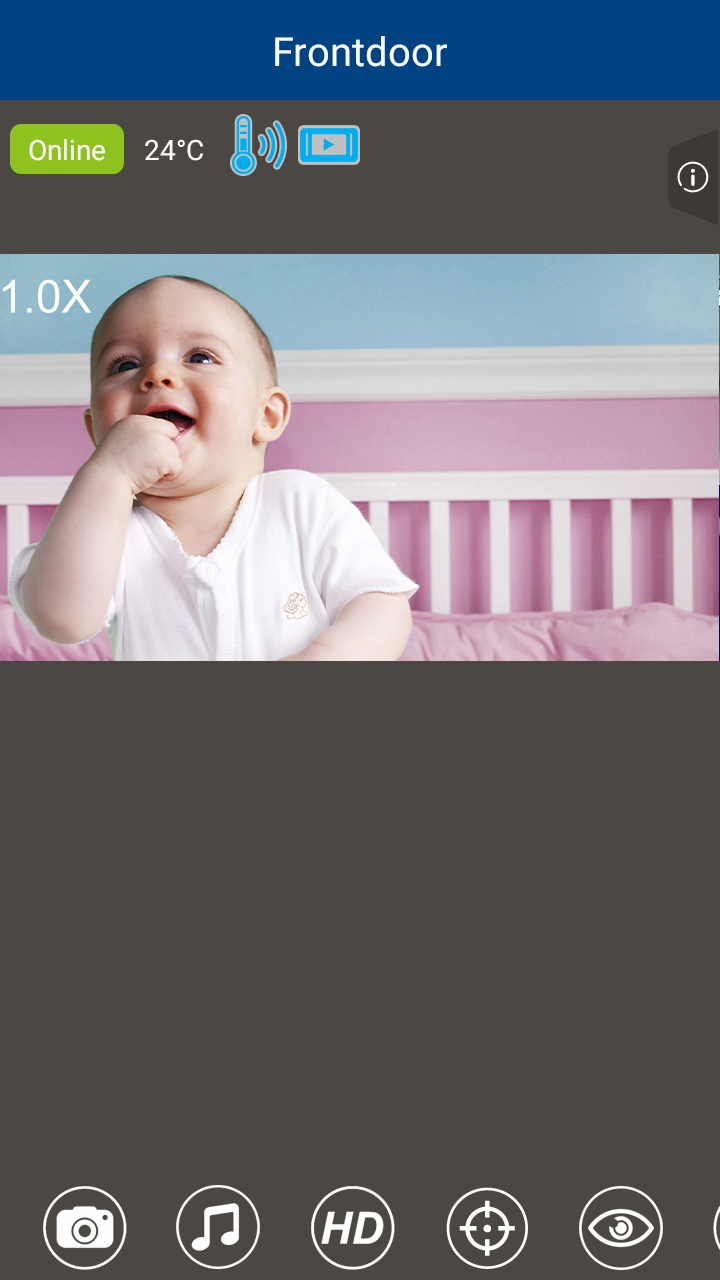
If you have added two or more camera unit to your mobile app, you may view the camera in different view modes.
1. During live video streaming, tap  .
.
2. Tap to select Patrol View, Split View or Single View.
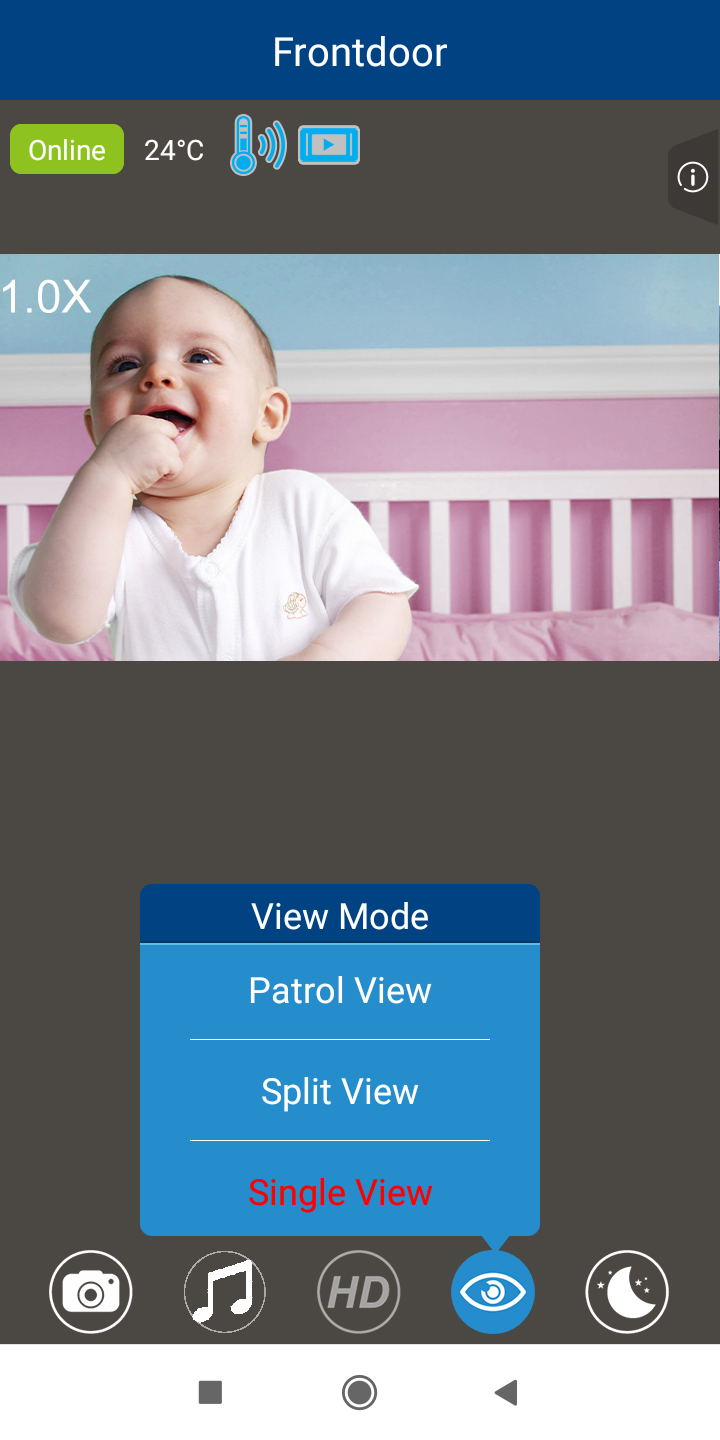
Patrol View
A horizontal view that transitions to a different camera unit after a fixed time interval.
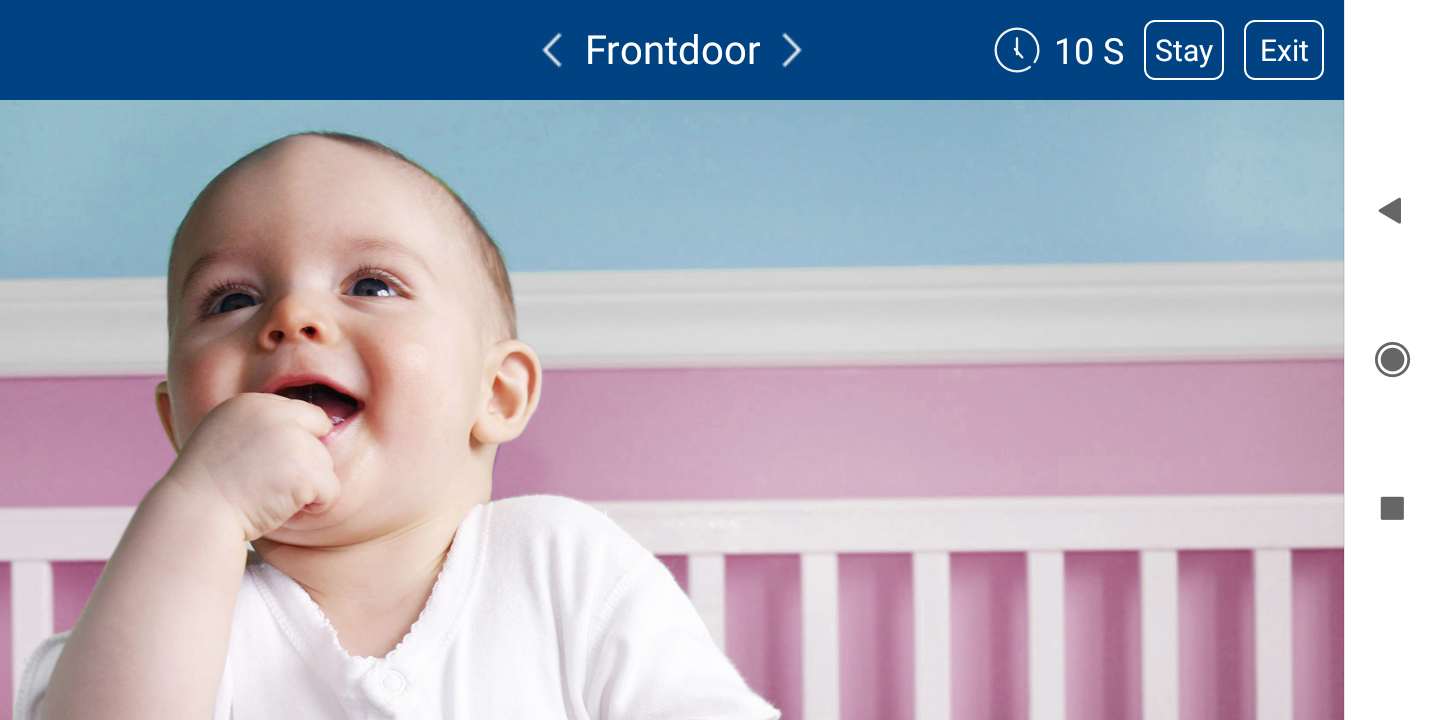
When you select Patrol View, the app will prompt you to choose the desired interval time.
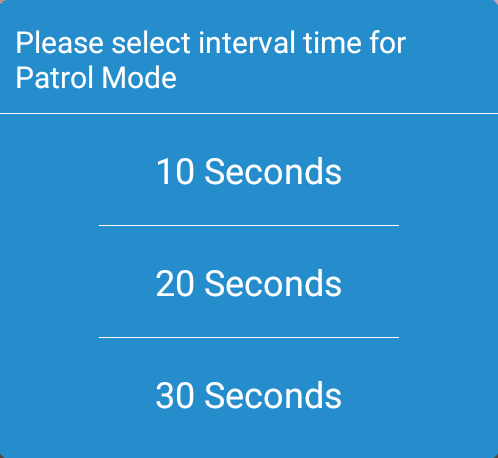
- While in Patrol View, you can:
- Tap < or > to view other cameras;
- Tap Stay to stay on the current camera view; or
- Tap Exit to exit Patrol View.
Split View
The screen displays multiple camera previews at the same time.

Single View
The screen displays an image of a single camera with the options panel at the bottom.