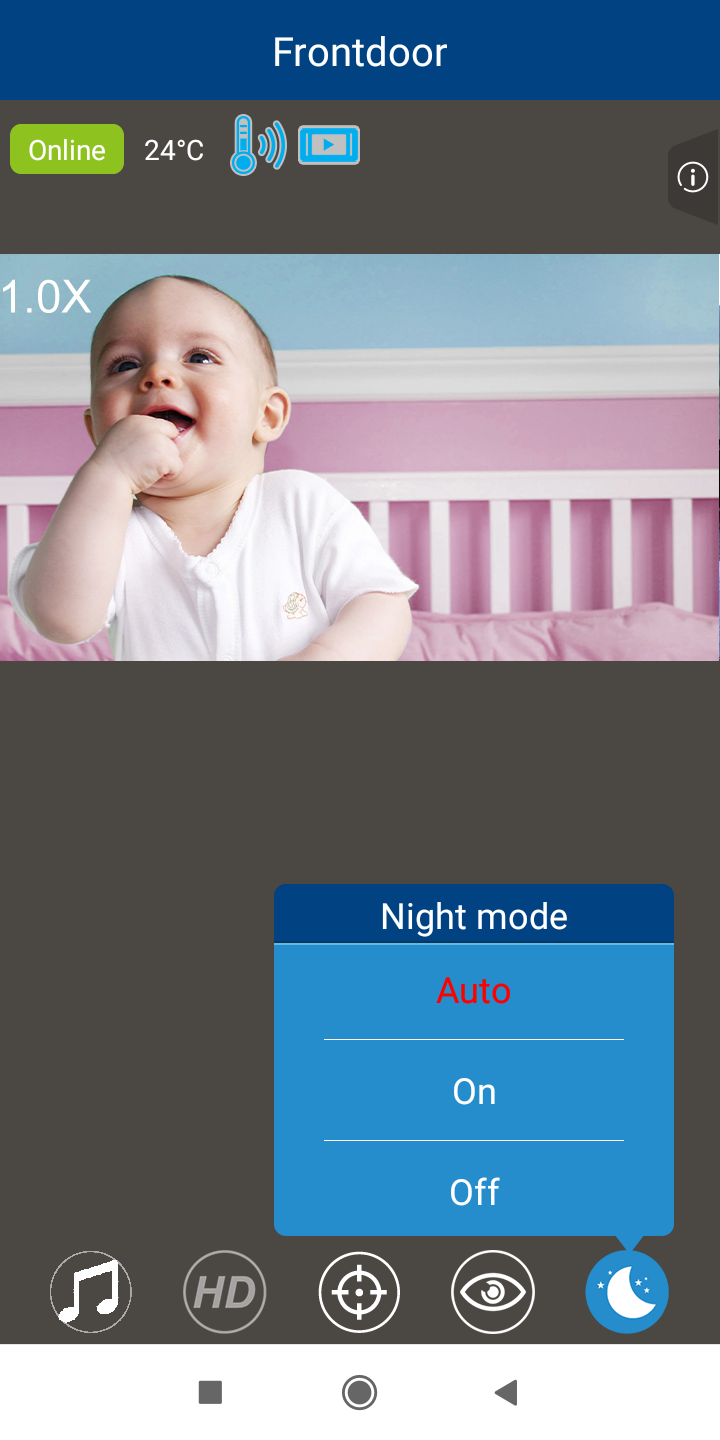
The camera has Infrared LED lights for better viewing when in a dark room or at night time. The lights will turn on automatically when the camera detects low light. You can turn the night mode on or off, or set it to auto mode.
 NOTE
NOTE
- Night mode setting is in effect during video streaming or when motion detection is set to on ONLY.
1. Tap  .
.
2. Select one of the following options:
- Auto (default) - The Infrared LED lights turn on when the camera detects low light.
- On - always on.
The Infrared LED lights on the camera will turn on continuously. - Off - always off.
The Infrared LED lights are off until you change the setting.
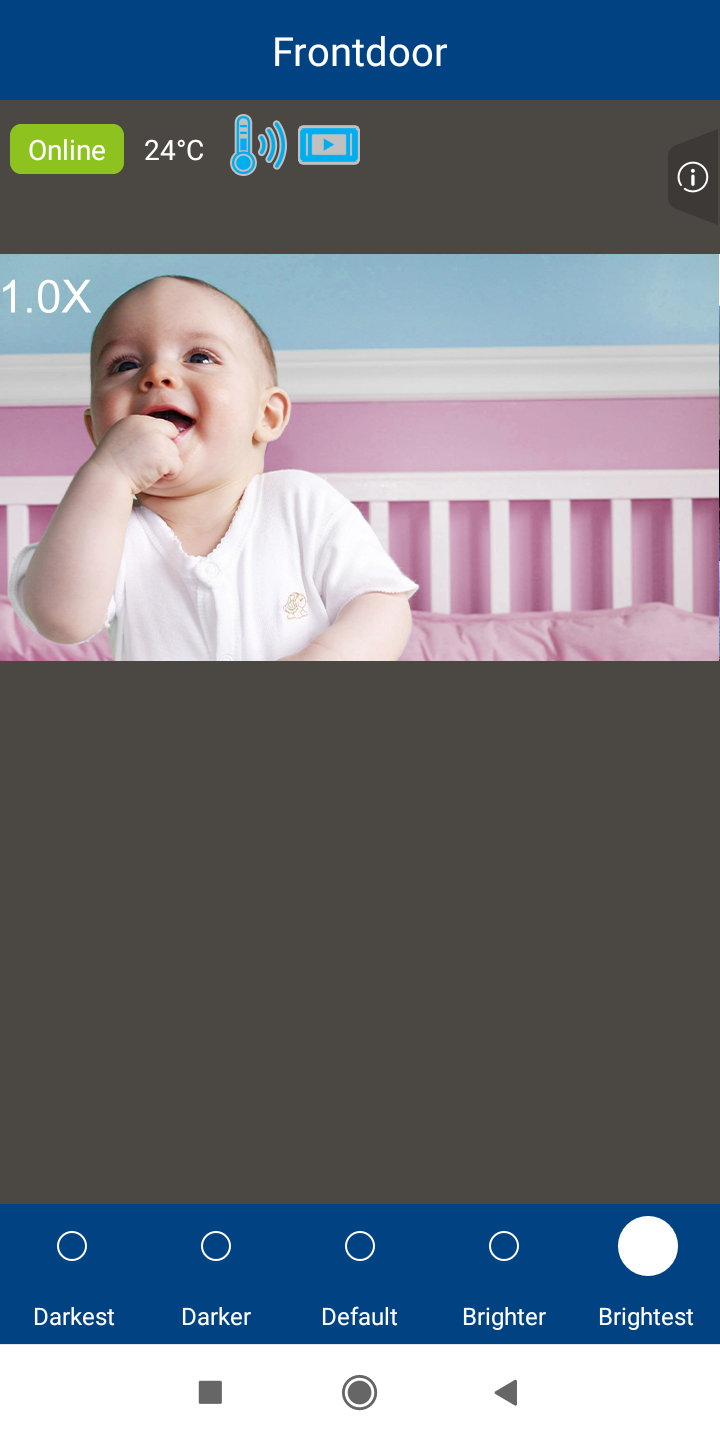
If you set night mode to Auto or On, select the intensity of the Infrared LED lights:
- Brightest
- Brighter;
- Default;
- Darker; or
- Darkest.