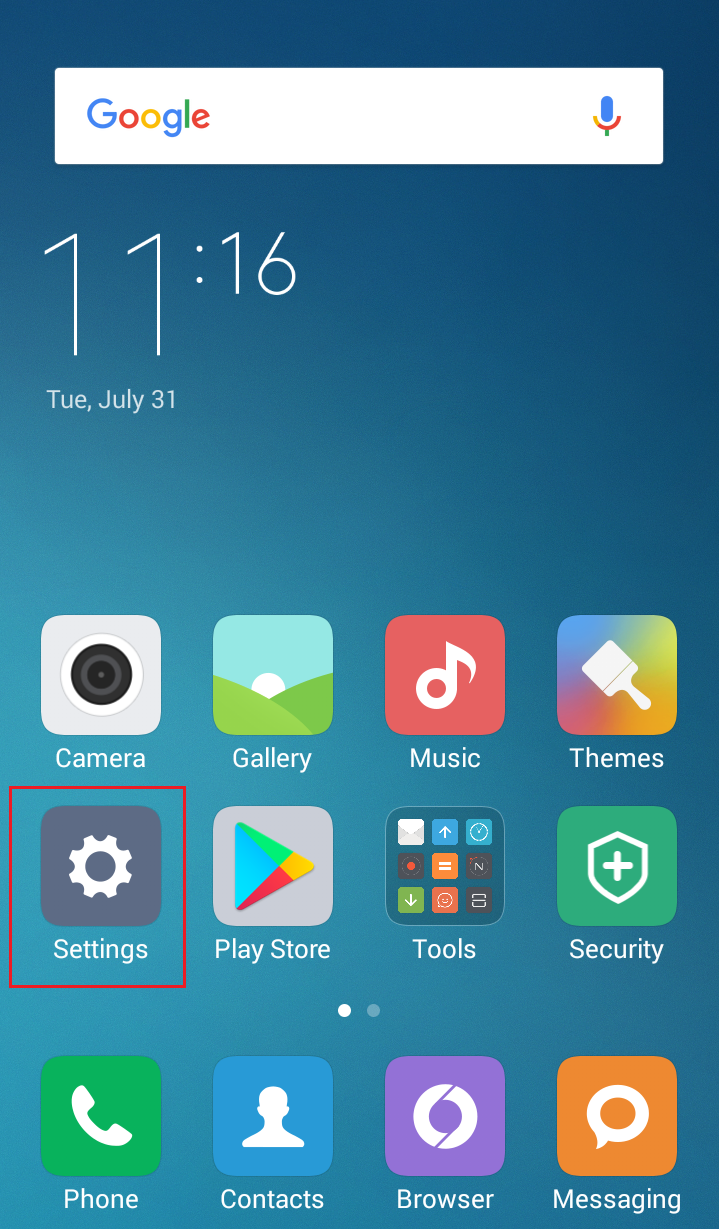
1. On your Android device, launch the Settings app.
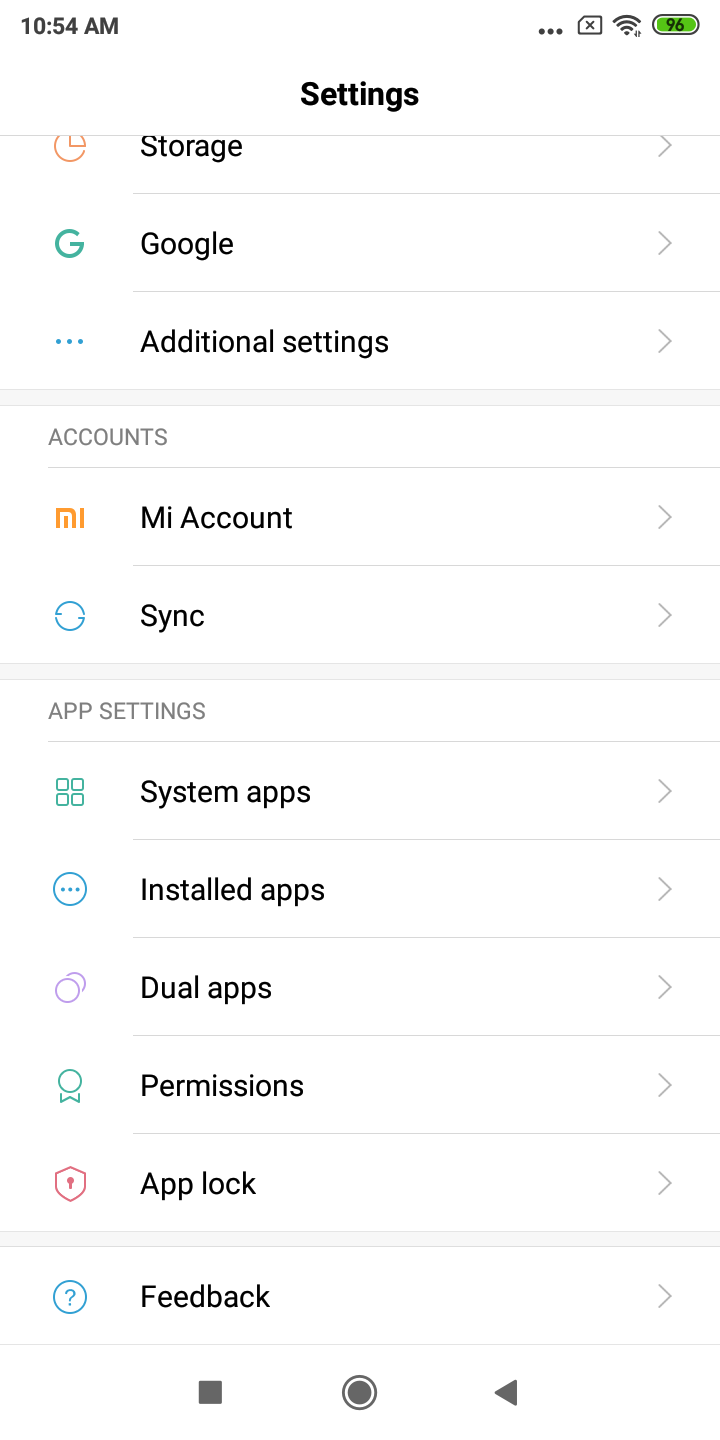
2. Scroll to and tap Installed apps.
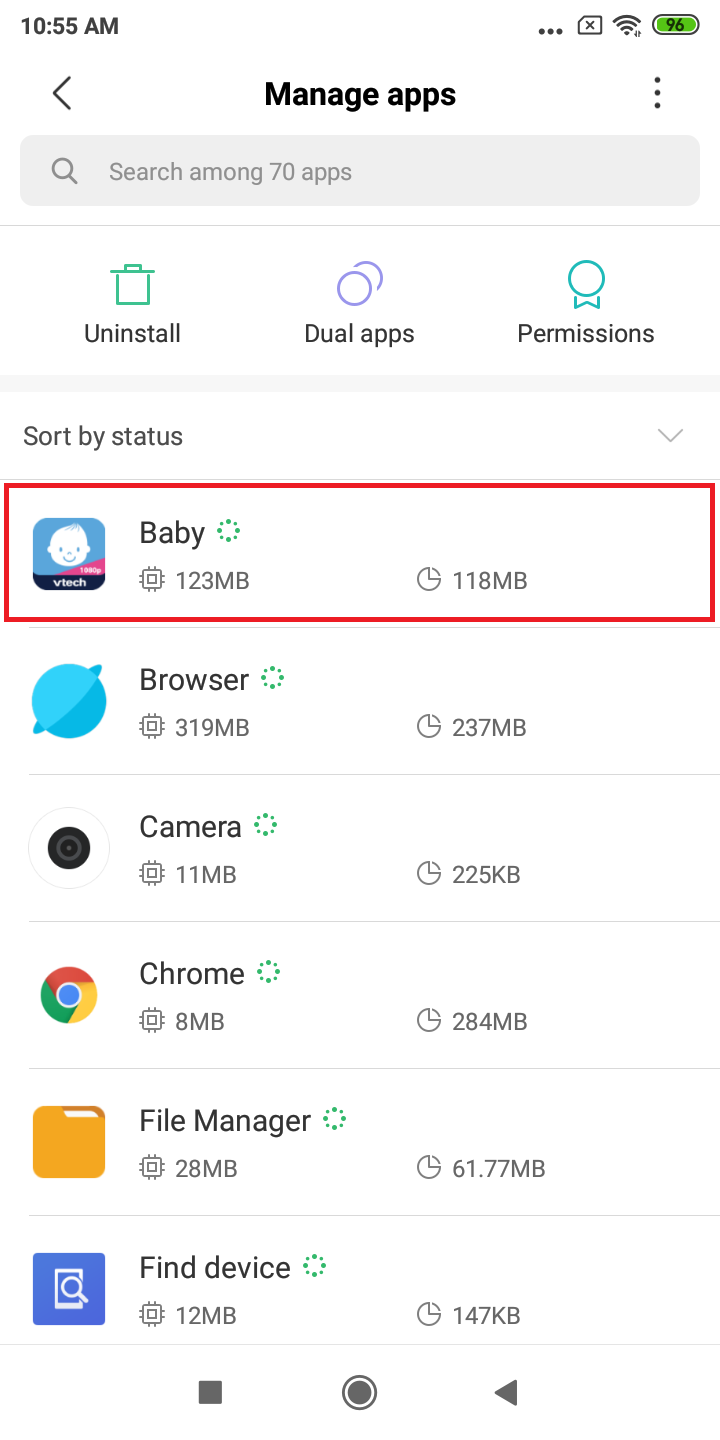
3. Scroll to and tap Baby under All installed apps.
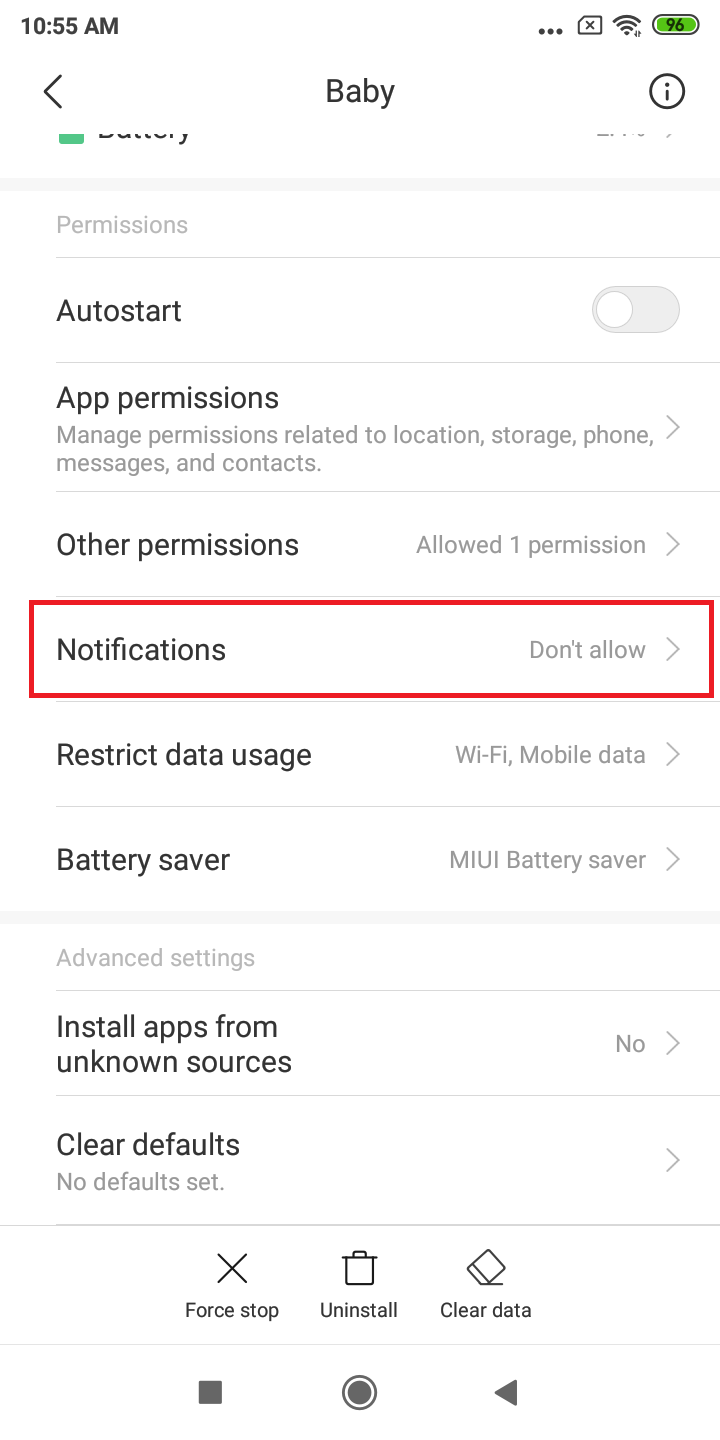
4. Tap Notifications.
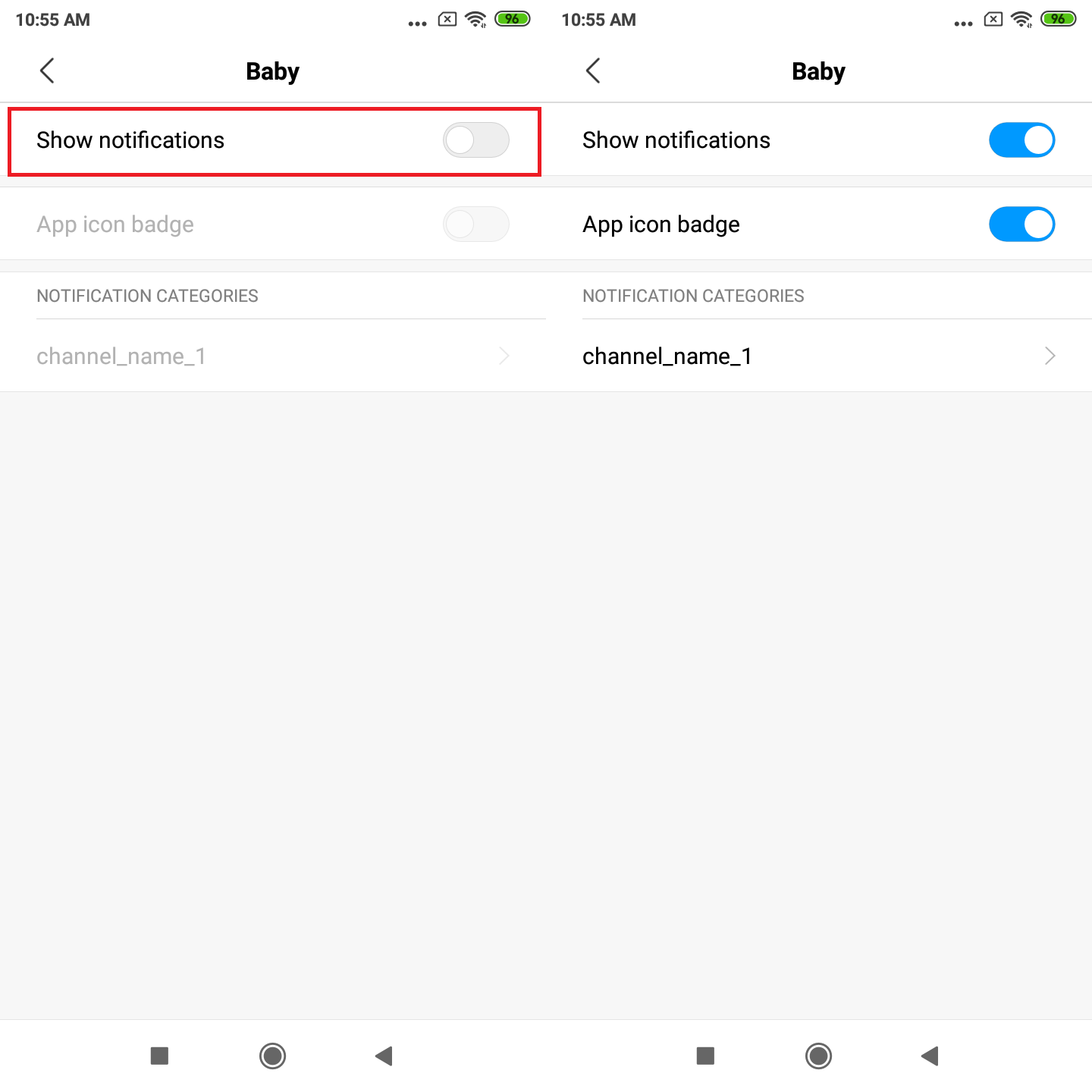
5. Switch on Show notifications.
Enter your model number or search for information
1. On your Android device, launch the Settings app.
2. Scroll to and tap Installed apps.
3. Scroll to and tap Baby under All installed apps.
4. Tap Notifications.
5. Switch on Show notifications.