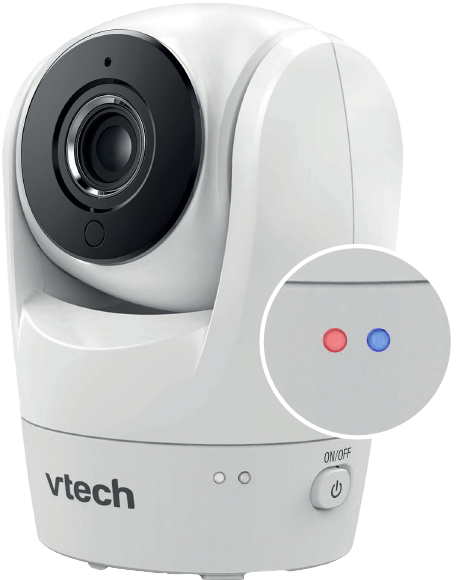
You may set the LED online status of your camera on or off. Different LED combination indicates different status for your camera.
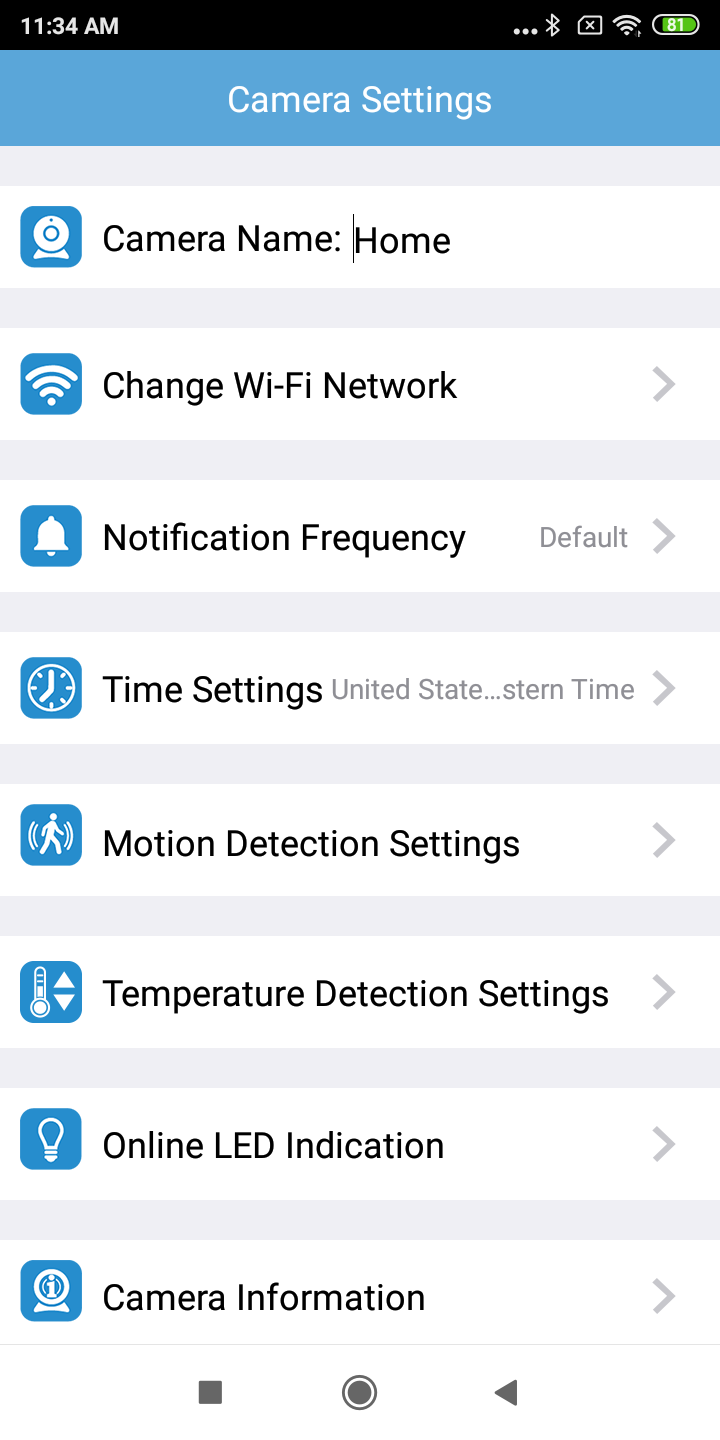
1. In the camera list, tap of a paired camera to enter its Camera Settings menu.

2. Tap Online LED Indication.
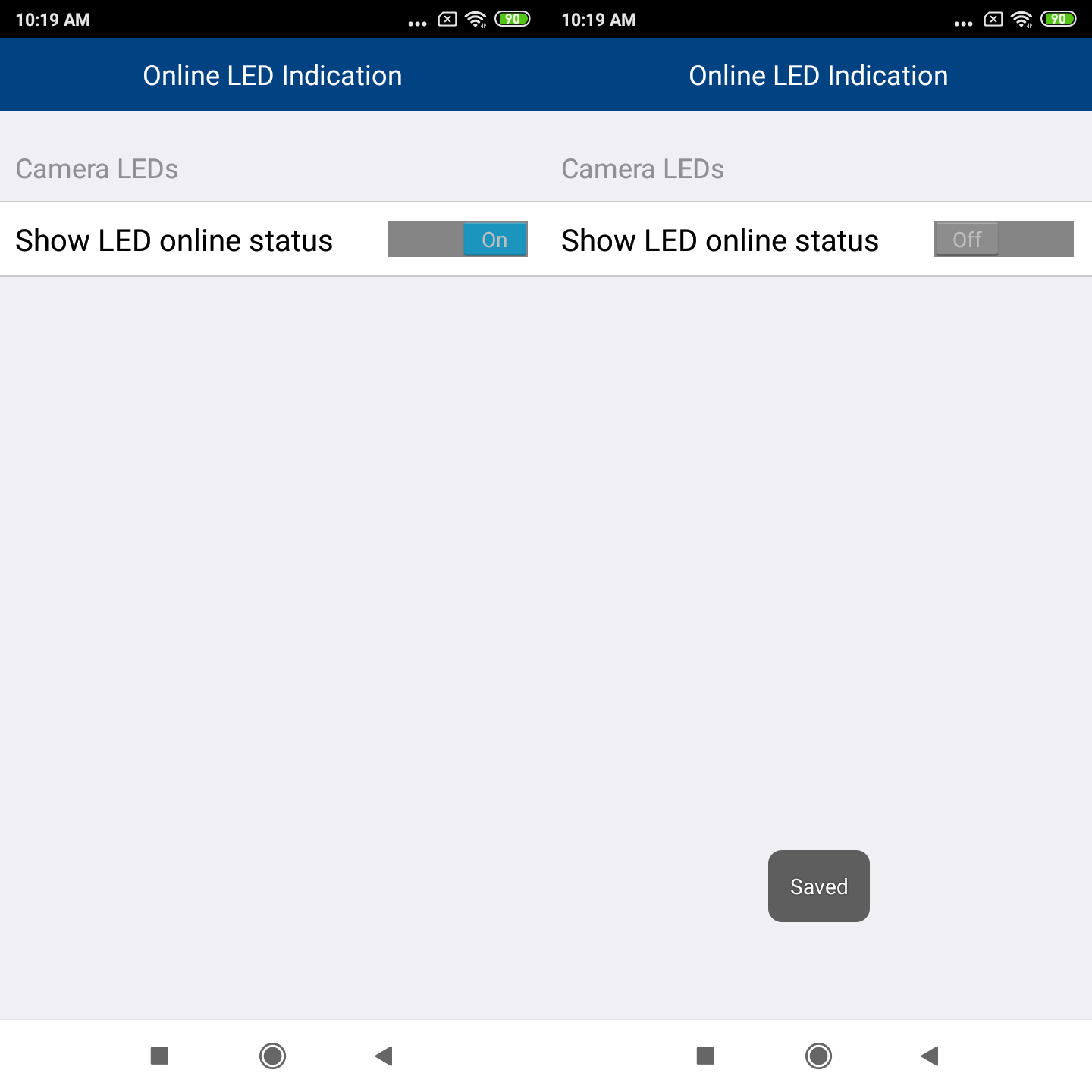
3. Switch Show LED online status to ON or OFF. It is set to ON by default.
- If Show LED online status is set to OFF, the camera's LED lights will be off.
More info about Different LED online status combination