You can remove a paired camera from your account.
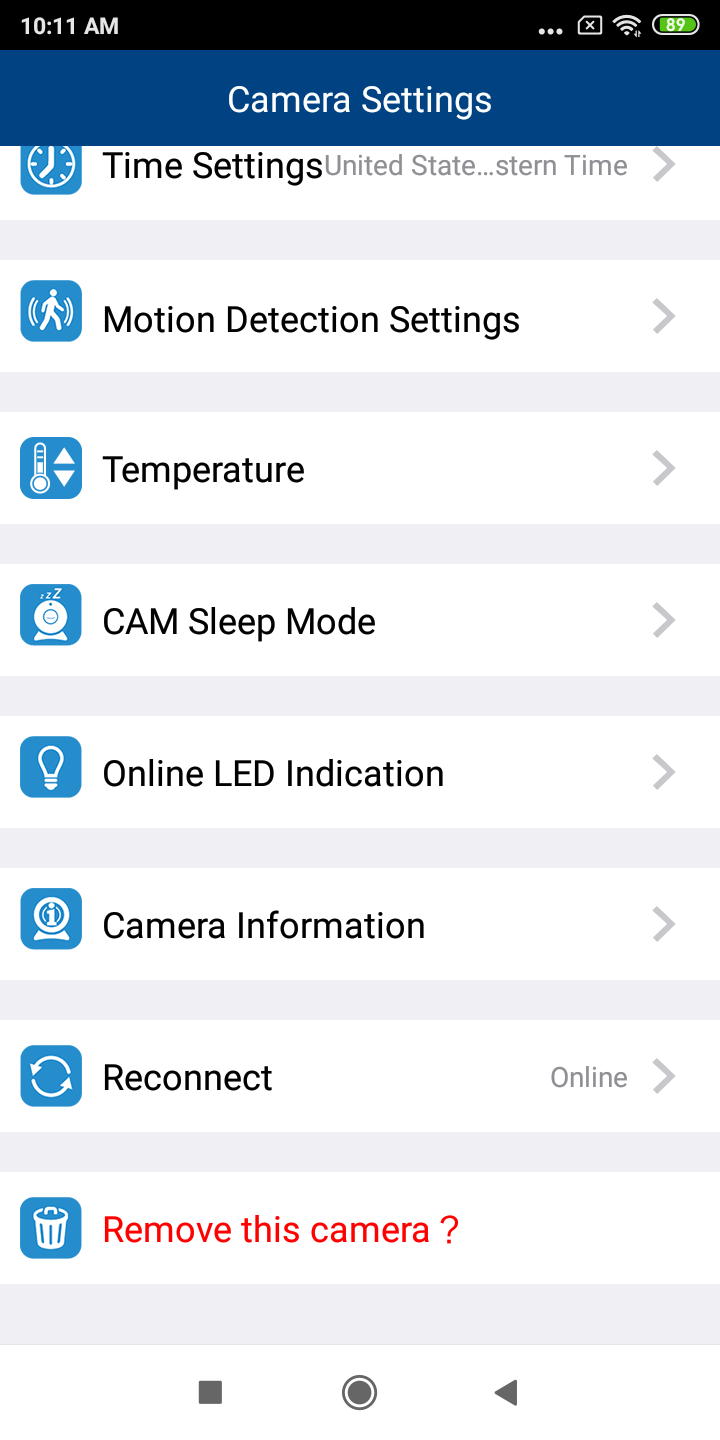
1. In the camera list, tap of a paired camera to enter its Camera Settings menu.

2. Tap Remove this camera?.
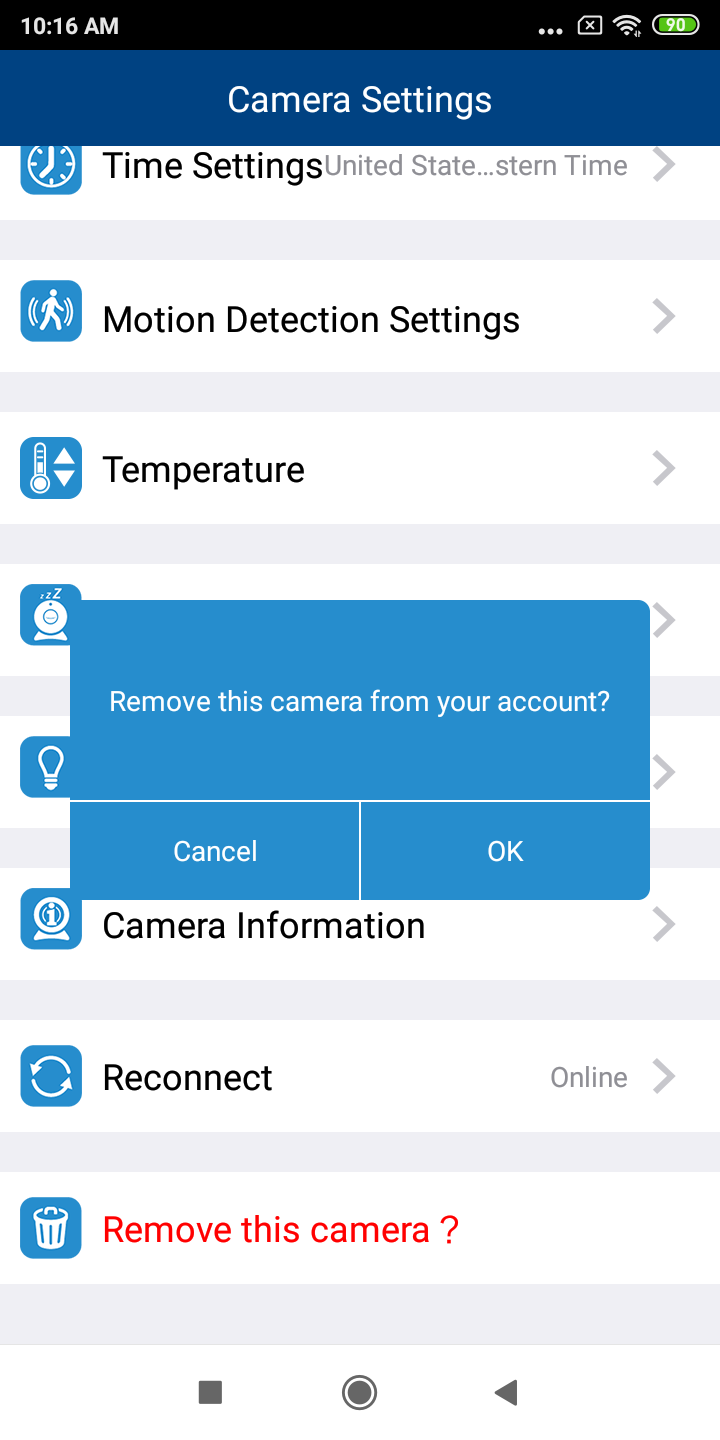
3. When the screen displays Remove the camera from your account?, tap OK.
Enter your model number or search for information
You can remove a paired camera from your account.
1. In the camera list, tapof a paired camera to enter its Camera Settings menu.
2. Tap Remove this camera?.
3. When the screen displays Remove the camera from your account?, tap OK.