Welcome to VTech Support

Enter your model number or search for information

Parent Unit Menu Structure - DM1215 / DM1215-2


Press pu6.png when the parent unit is idle to enter the main menu.
Please refer to the following table for the menu structure.

Main menu Sub-menu  
mceclip0.png
  • Choose one of the display languages

    • English/French/Spanish.

mceclip1.png mceclip7.png
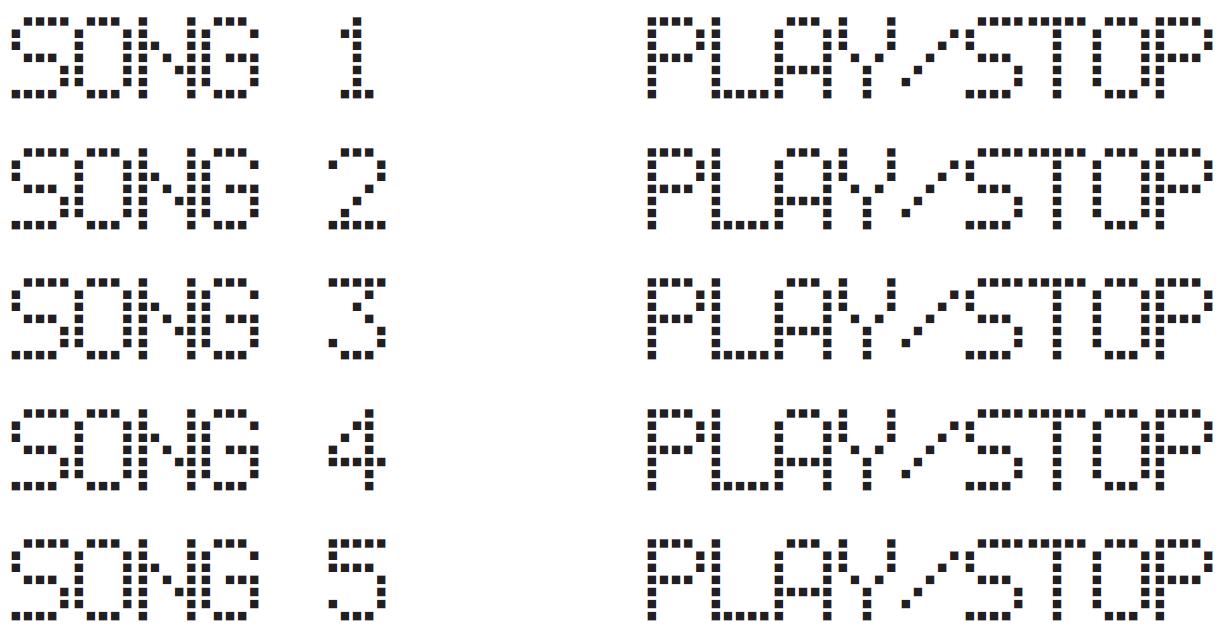
  • Play all four lullabies.


mceclip16.png

(SONG 5 is reserved
for recorded voice)


  • If you have recorded a voice to the baby unit (up to 20 seconds), it will be stored in SONG 5.

  • Choose one of the four lullabies or the recorded voice to play.

  • Play or stop playing the selected lullaby or the recorded voice.

mceclip2.png mceclip10.png
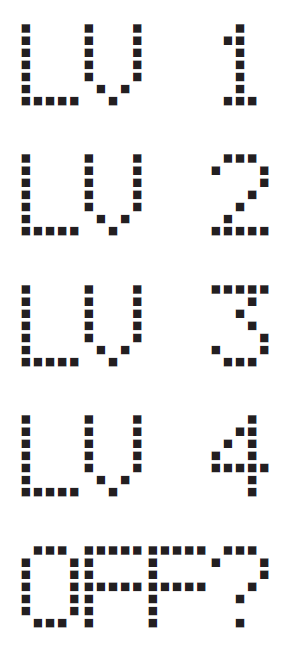
  • Choose one of the five VOX sensitivity levels. See Sound sensitivity and Sound Alert.

mceclip3.png mceclip11.png
  • Turn on or off sound alert. See Sound sensitivity and Sound Alert section.

mceclip4.png mceclip12.png
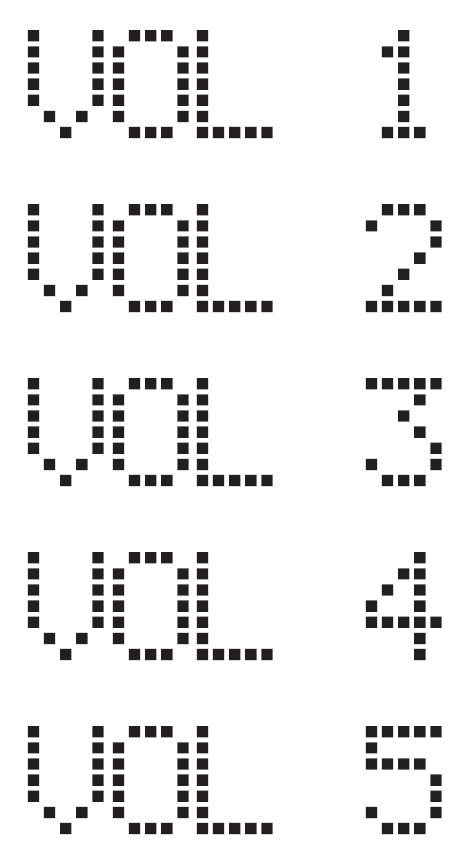
  • Adjust the baby unit’s speaker volume.

mceclip5.png mceclip13.png
  • Turn on or off the night light.

mceclip6.png mceclip14.png
  • Reset all parent unit’s settings to factory default.

Was this article helpful?
0 out of 0 found this helpful