Need to set a feeding reminder? Or time your baby's nap? You can do so by setting up an alarm reminder with the parent unit. Once the timer is up, an alarm will sound.
- Press
 when the parent unit is not in use.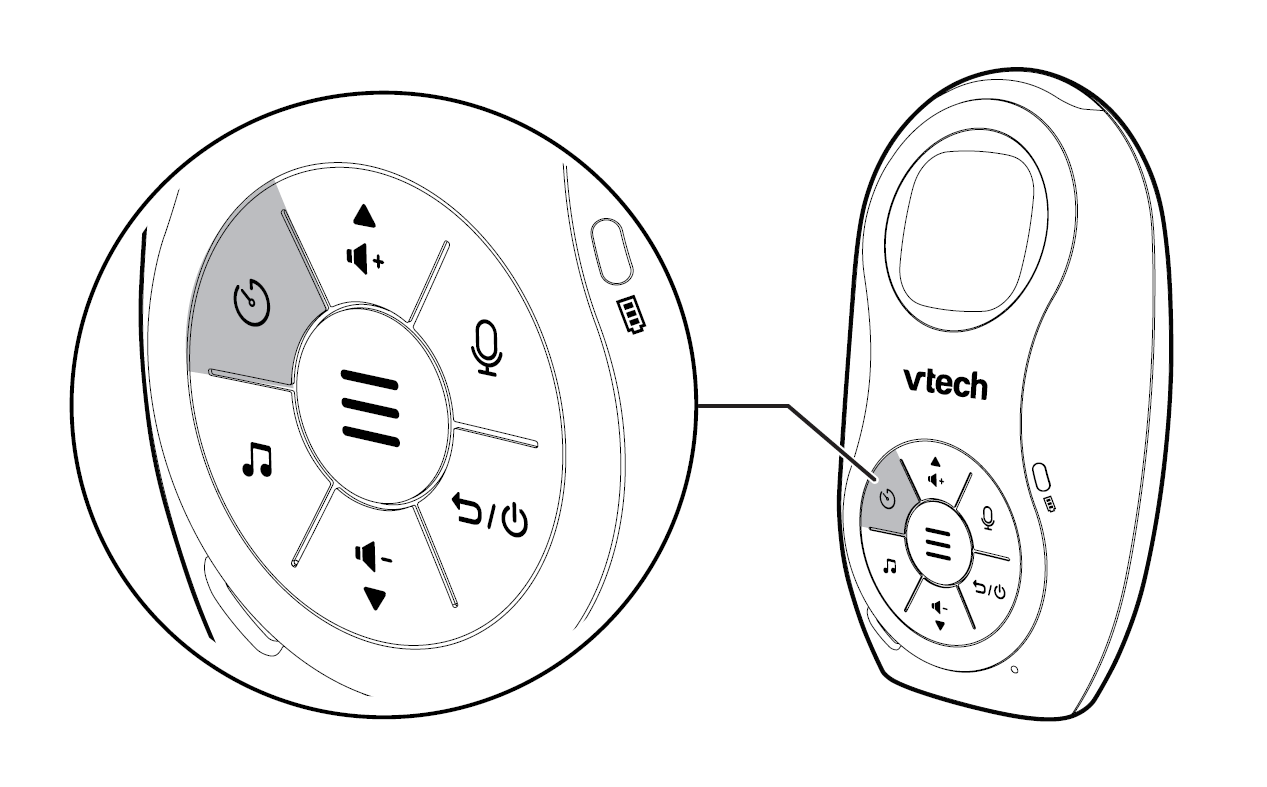
- Press
 or
or  to increase or decrease the countdown timer by 30 minute increments with each press. You can set the timer up to a maximum of 24 hours.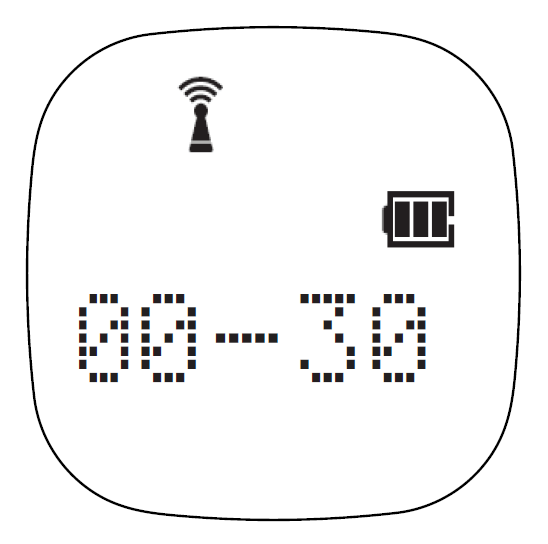
- Press
 or to confirm your selection. The screen displays SAVED and you hear a confirmation tone.
 - When the timer is up, press any key on the parent unit to silence the alarm.
Notes:
- You can check the remaining time by pressing when the alarm timer is running.
- Press
 to reset the timer to 00:00. Press or to return to idle mode.