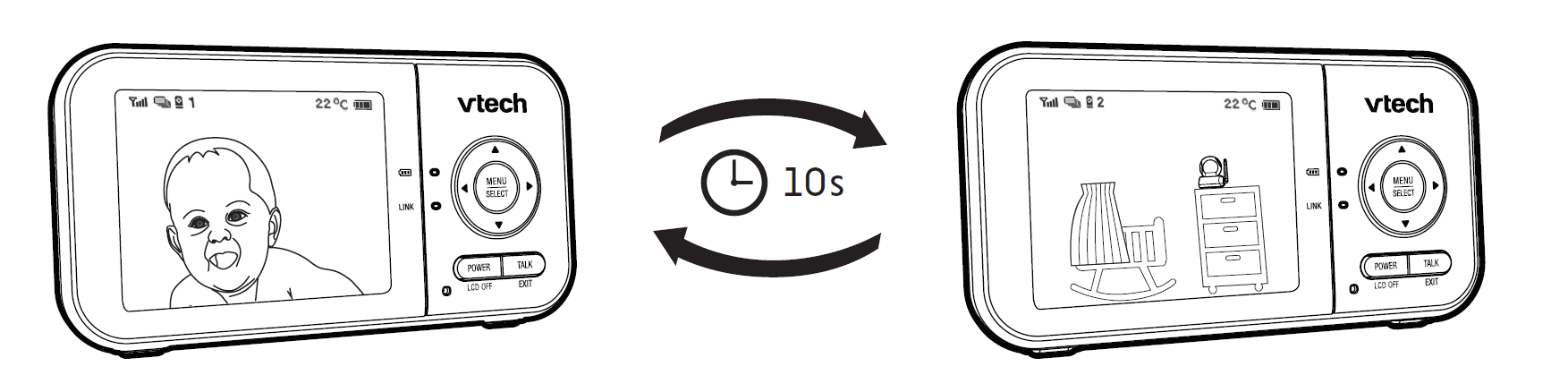
Every time the parent unit is turned on, it displays a baby unit in Single CAM mode. If there are two baby units in your system, you can also monitor your baby in Patrol mode (For VM923-2 only).
  Single CAM |
The screen displays the image of a single baby unit in full screen. |
 Patrol |
A single cam view that transitions to a different baby unit every 10 seconds. |
To view another camera in Single CAM mode:
1. Press MENU when the parent unit is idle.
2. Press  or
or  to choose
  .
.
3. Press  or
or  to choose between and , then press SELECT to confirm the baby unit you would like to view.
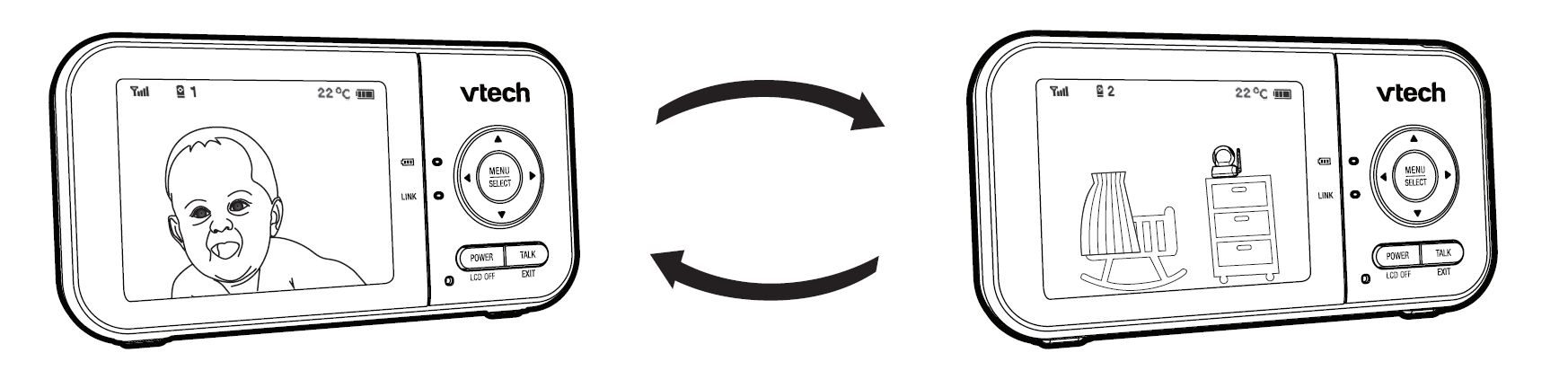
To enter Patrol mode:
- Press MENU when the parent unit is idle.
- Press or to choose .
- Press or to choose , then press SELECT to confirm your selection.