Every time the parent unit is turned on, it displays a baby unit in Single CAM mode. If there are two baby units in your system, you can also monitor your baby in Patrol mode (For VM3252-2 only).
| Single CAM | The screen displays image of a single baby unit in full screen. |
| Patrol | A single cam view that transitions to a different baby unit every 10 seconds. |
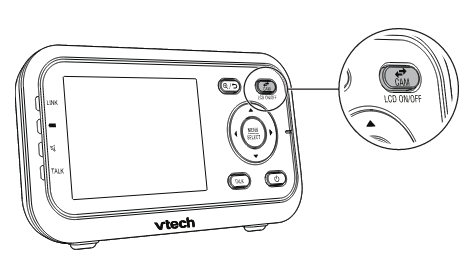
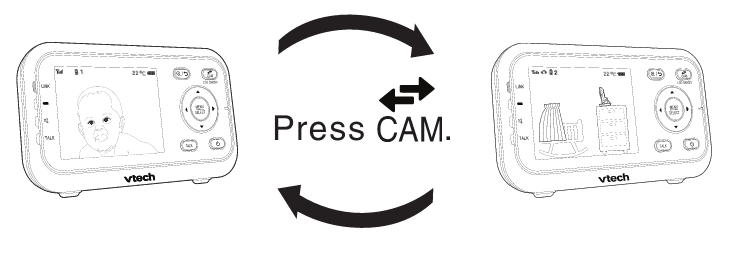
To switch to another camera:
- Press
 to view the next baby unit.
To enter Patrol mode:
- Press MENU when the parent unit is idle.
- Press
 or
or  to choose
  , then press SELECT or
  .
. - Press or
 to switch
  , then press SELECT to confirm your selection.