Status check - Two baby units
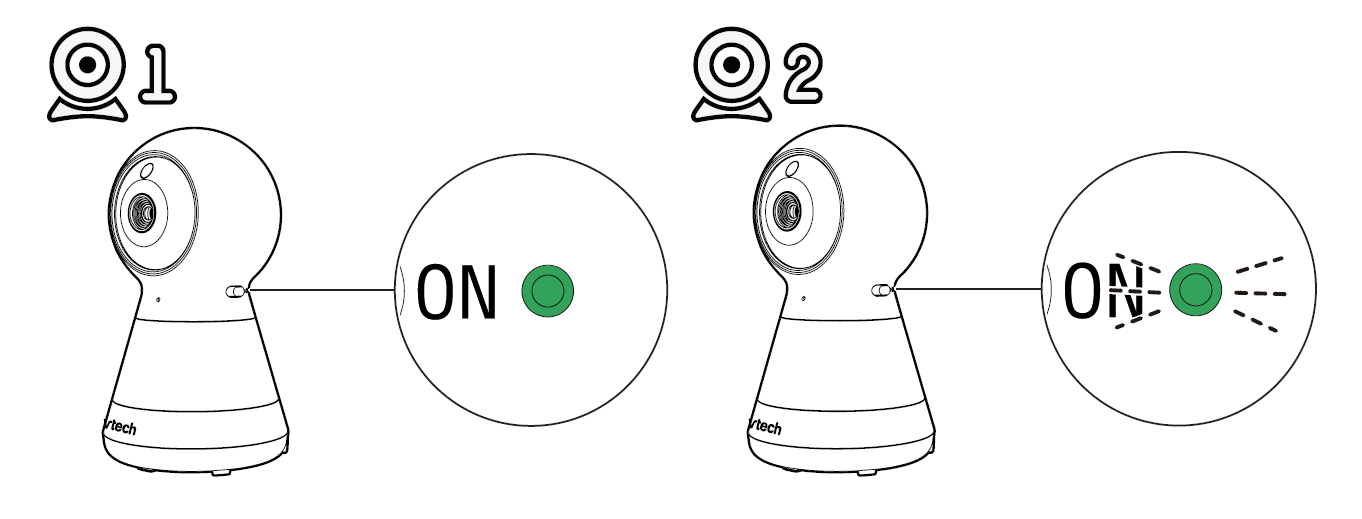
If you are viewing baby unit  , the POWER LED light of baby unit turns on. As baby unit
  is not being viewed, its POWER LED light flashes.
NOTE
• If you power on only one baby unit, you may see the parent unit displaying  and then
  , and the LINK LED light flashing.
• Press VIEW in Single CAM or Patrol mode to switch to the baby unit you have powered on.
Monitoring Modes
Every time the parent unit is turned on, it displays a baby unit in Single CAM mode. With two baby units in your system, you can also monitor your baby in Patrol or Split mode.
Single CAM |
The screen displays image of a single baby unit in full screen. |
Split |
The screen displays both images of the baby units in split view.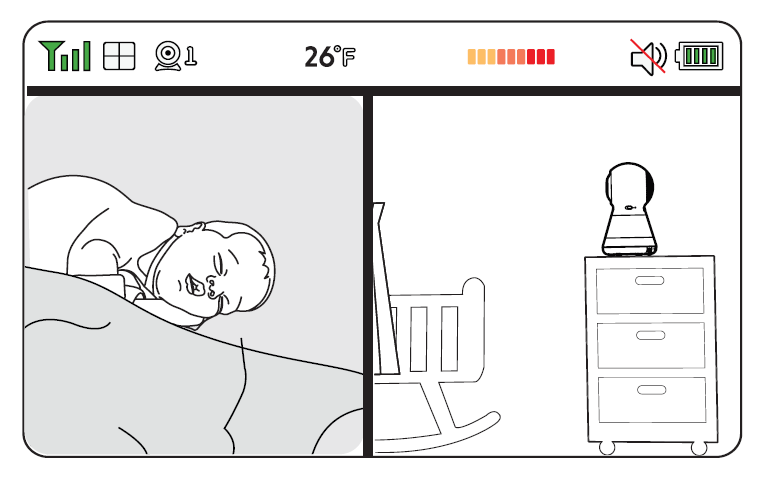 |
Patrol |
A single cam view that transitions to a different baby unit every 10 seconds. |
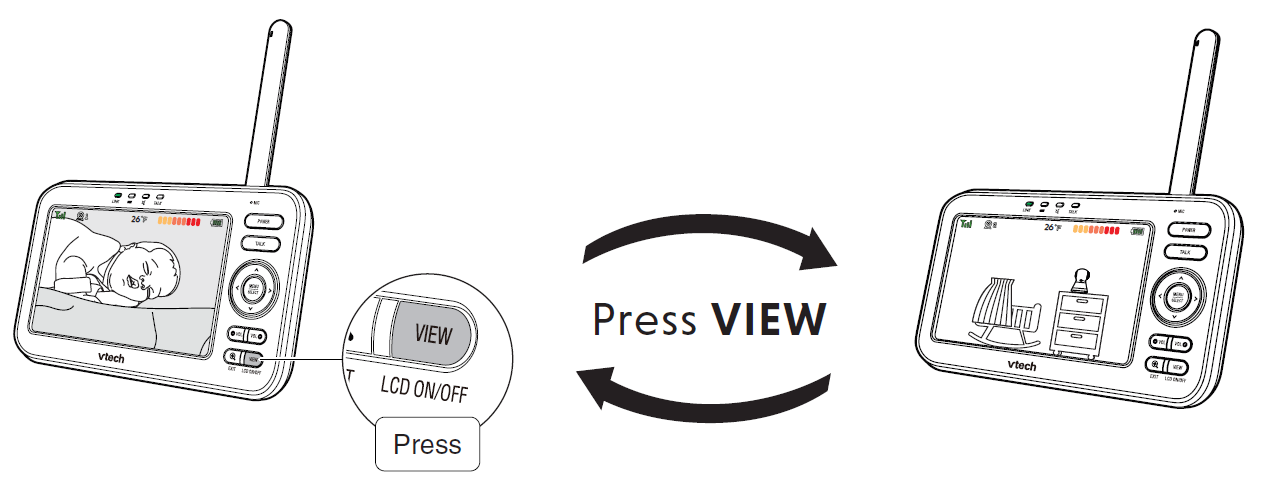
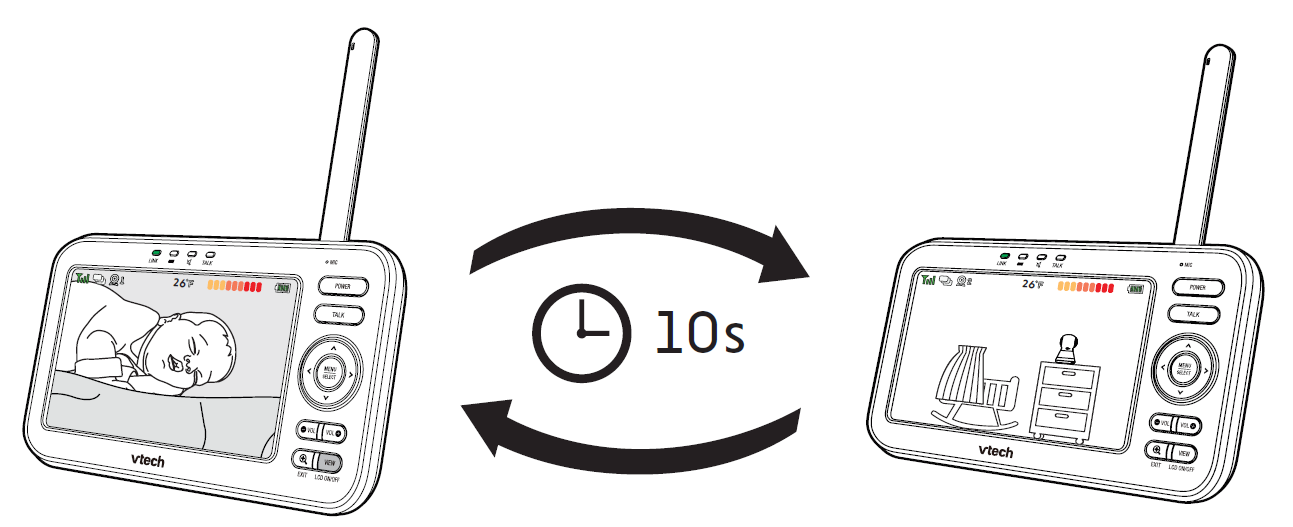
In Single CAM or Patrol mode, press VIEW to switch between the image of baby units and .