FRONT

| LED lights |
Indicate the different statuses of the parent unit |
| LINK |
- On when the parent unit is linked to the baby unit.
- Flashes when the link to the baby unit being viewed in Single CAM or Patrol mode is lost; or when the link to the least one baby unit being viewed in Split mode is lost.
|
 |
- On when the parent unit is connected to AC power, or the battery is charging.
- Flashes when the parent unit battery is low and needs charging.
- Off when the parent unit is disconnected from AC power.
|
 |
- On when the parent unit speaker volume is set to off.
- On when the parent unit is talking to the camera unit.
|
| TALK |
- On when the parent unit is talking to the baby unit.
|
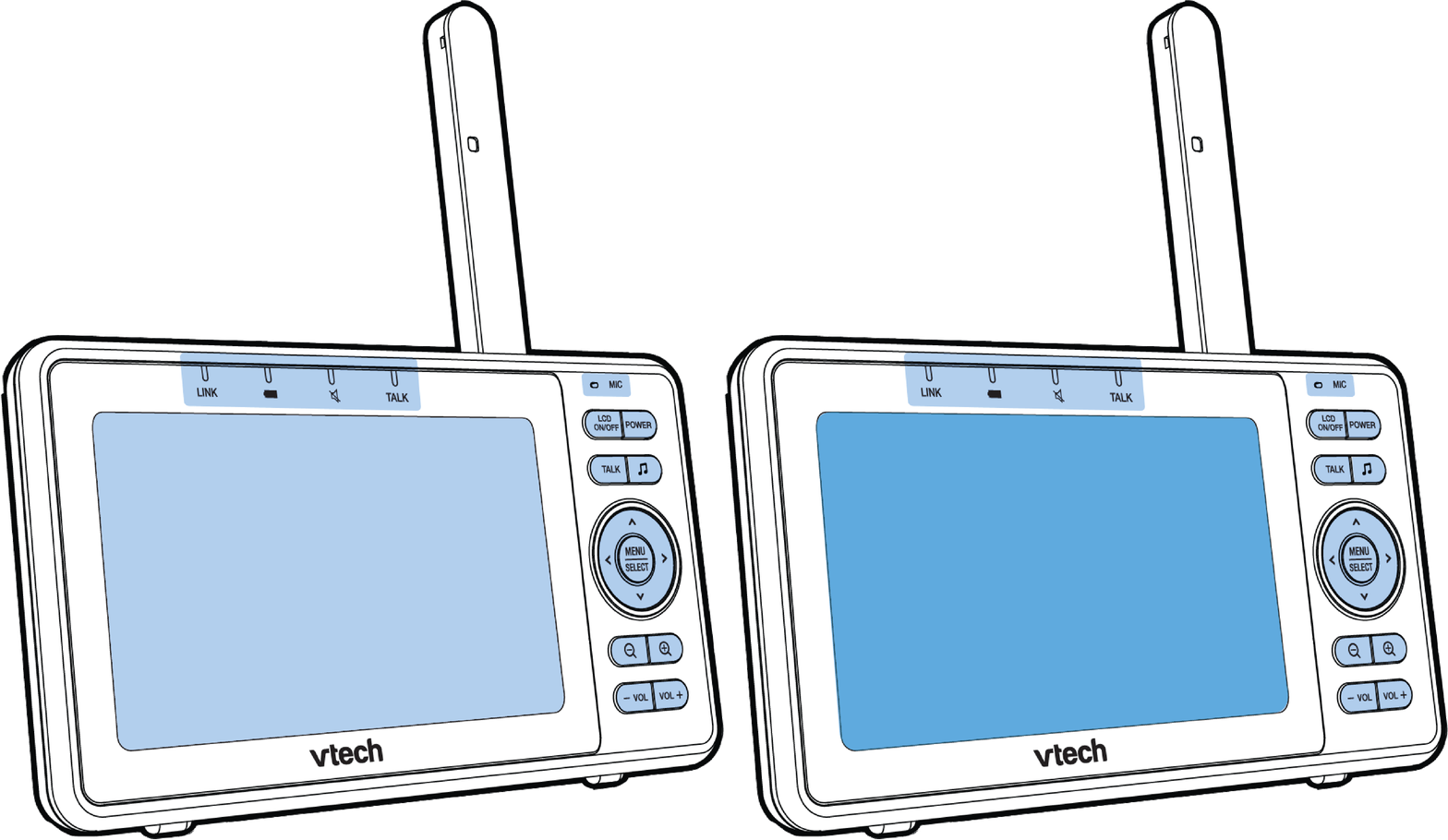
LCD display
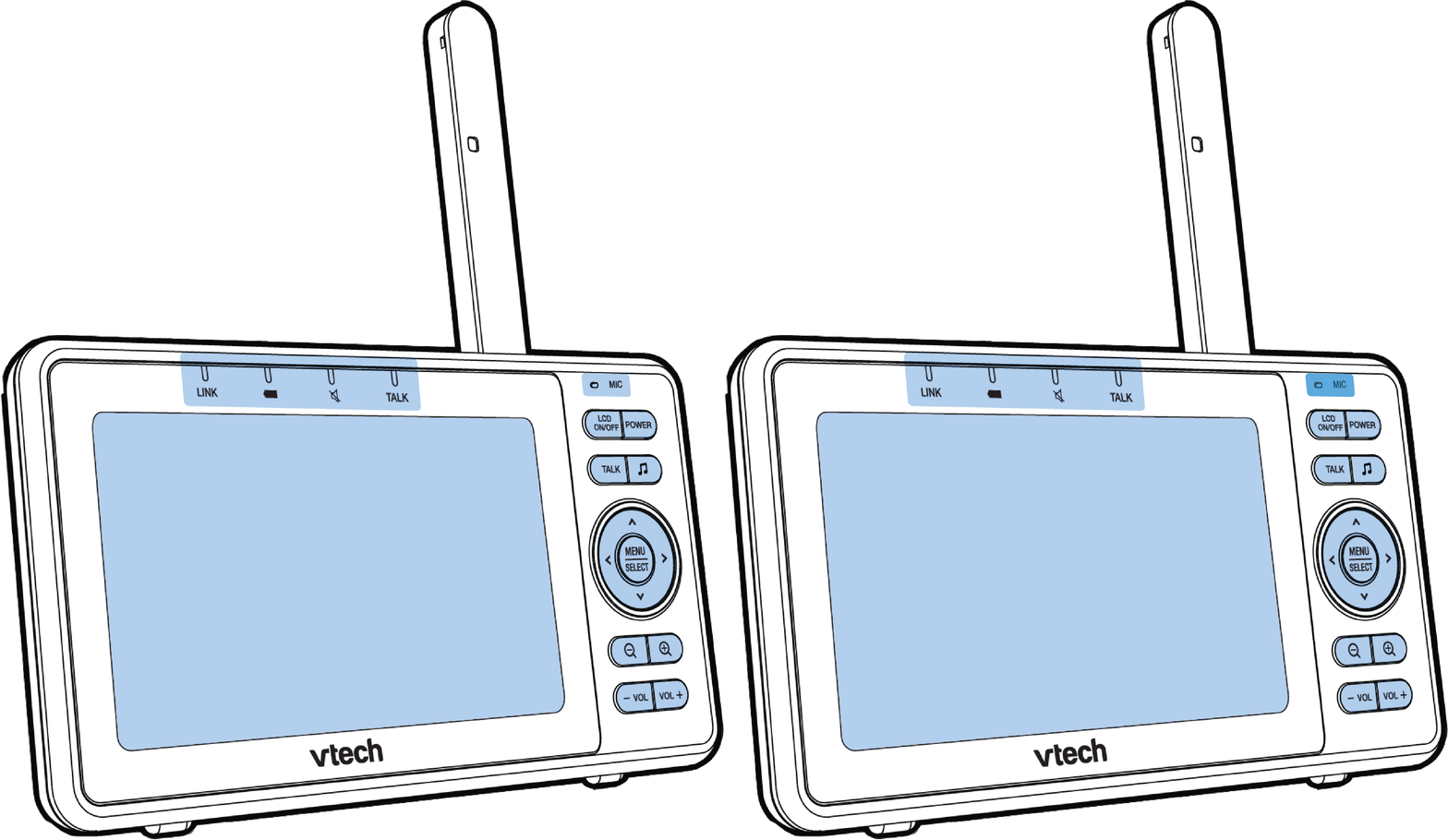
MIC - Microphone
| Keys |
Function |
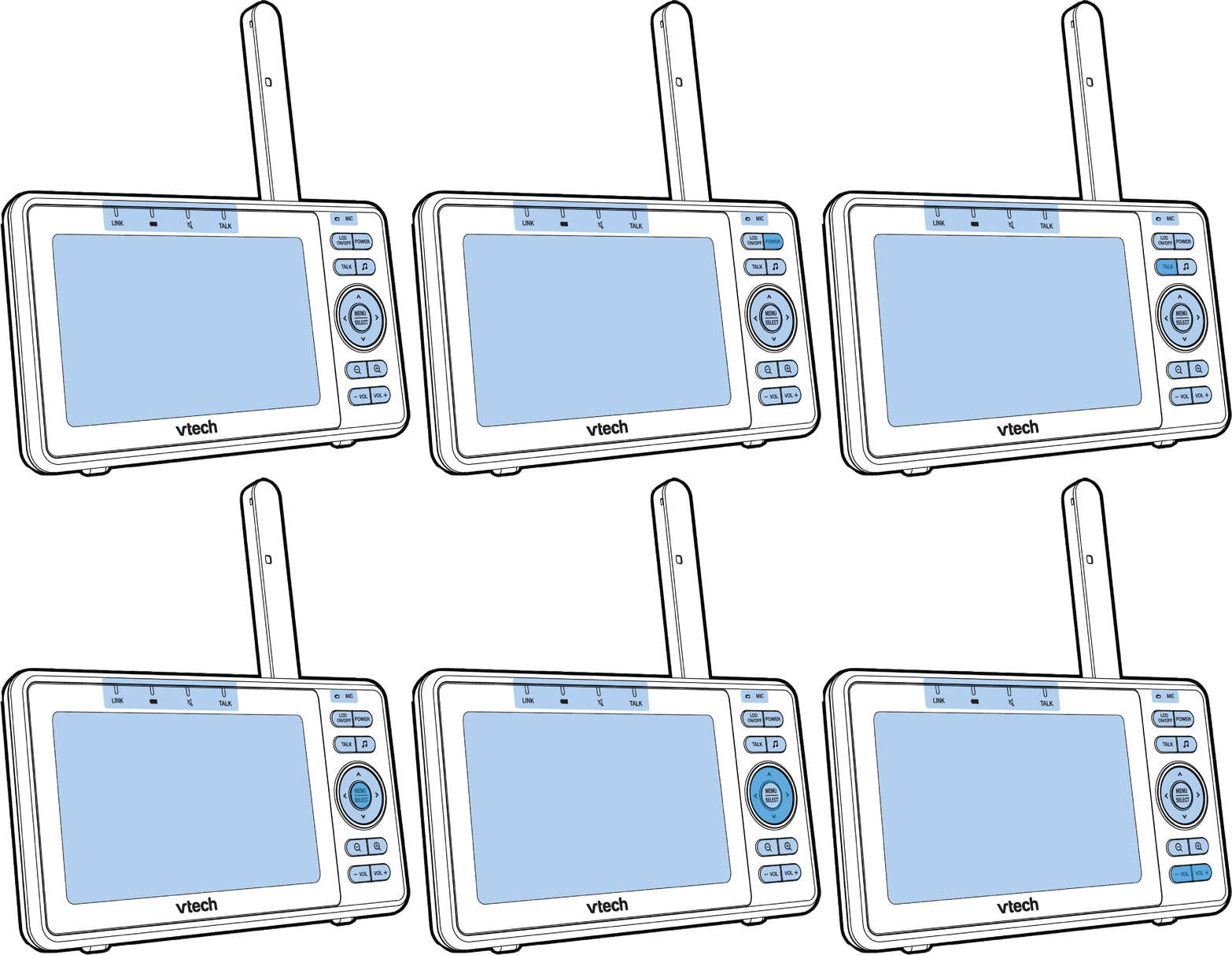
| LCD ON/OFF |
- Press to turn LCD display on. Press again to turn off.
|
| POWER |
- Press and hold POWER to turn on the parent unit. The screen turns on.
- Press and hold POWER again to turn off the parent unit. The screen turns off.
|
| TALK |
- Press and hold to talk to the selected baby unit.
|
 |
- Lullaby key - Press to enter the lullaby menu.
|
| MENU / SELECT |
- Press to enter the menu.
- While in a menu, press to choose an item, or save a setting.
|
 |
- While in the submenu, press it to exit.
|
    |
- Press to move the selection box leftward, upward, rightward or downward.
- While viewing image from the camera unit, press and hold to pan the camera unit camera leftward, upward, rightward or downward.
- While viewing zoomed image, press and hold to move the zoomed image leftward, upward, rightward or downward.
|
  |
- Zoom out key - Press to zoom out.
- Zoom in key - Press to zoom in.
|
| -VOL | VOL+ |
- Press -VOL / VOL+ to adjust your parent unit speaker volume.
- While in menu, press -VOL to return to the idle screen.
|
REAR
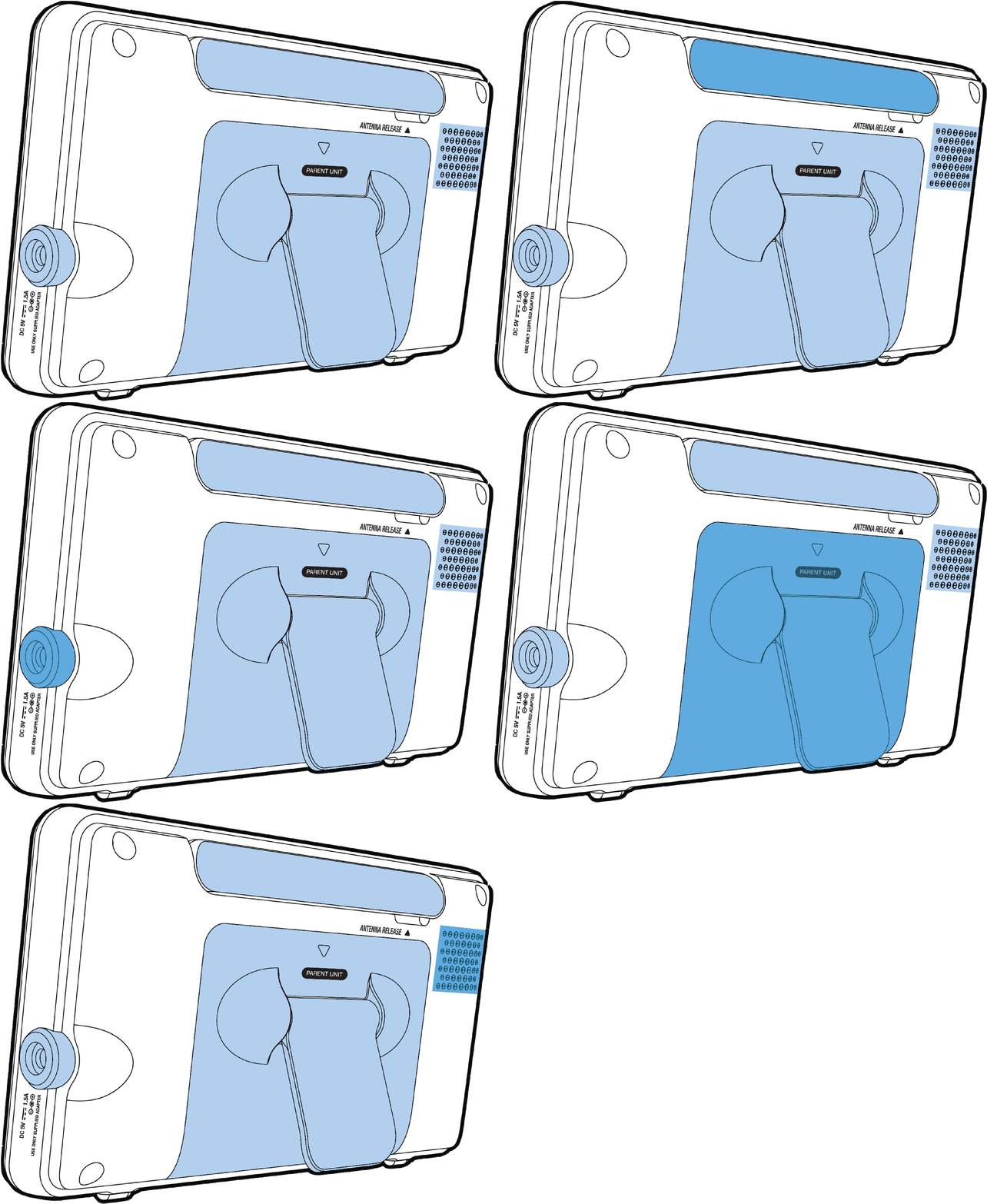
Antenna
Power Jack
Battery compartment cover with adjustable stand
Speaker