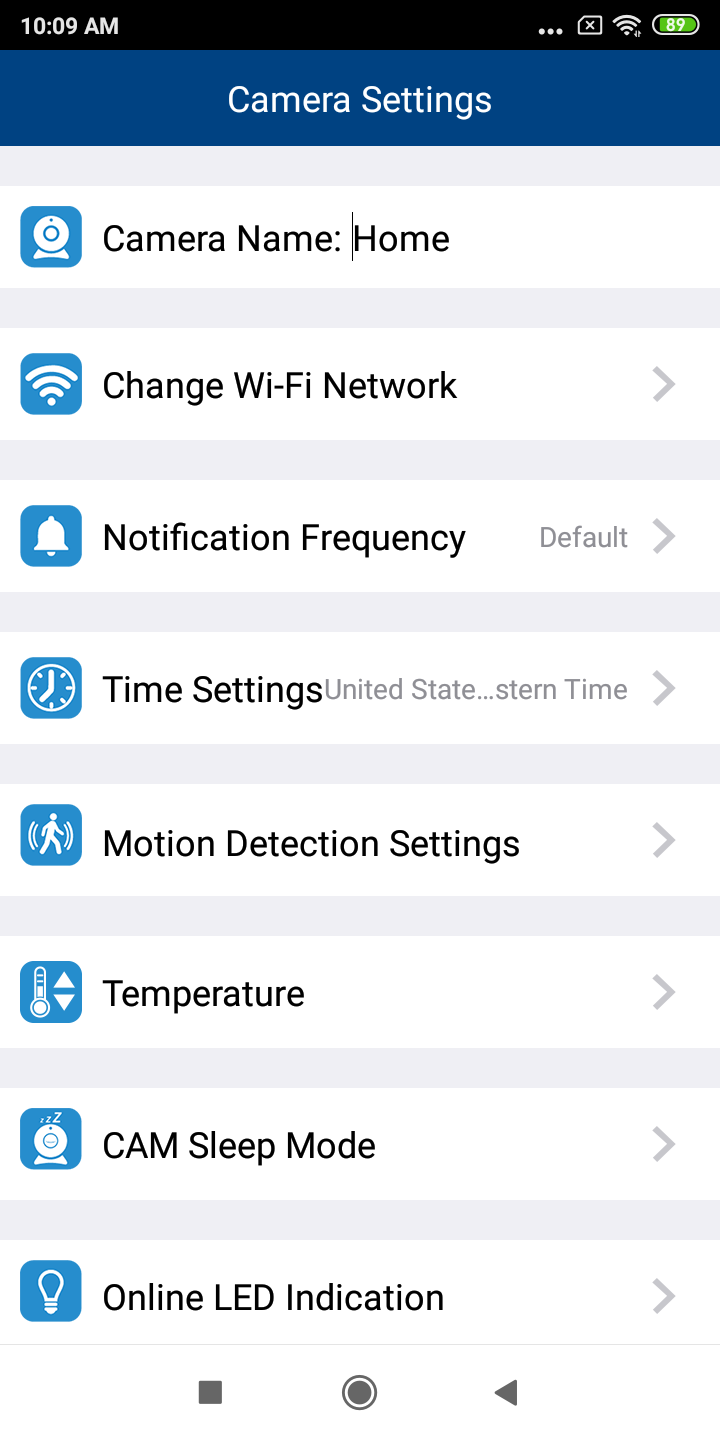
1. In the camera list, tap of a paired camera to enter its Camera Settings menu.

2. As a cursor displays on the Camera Name field, type in your desired new camera name.
- The camera name should not contain any special characters.
 NOTE
NOTE
This name applies to the camera list, the notifications, and the tabs of the app where the camera name is displayed.