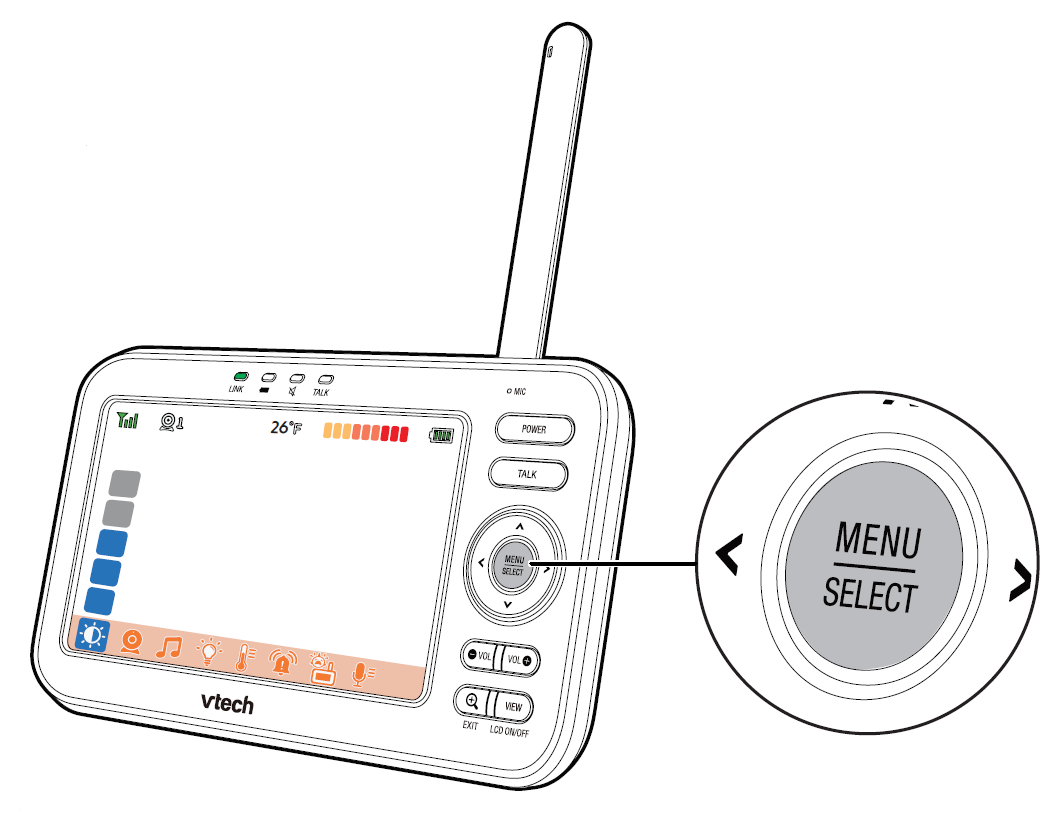
Press  to enter the menu, choose a menu item, or save a setting. You can use the parent unit for advanced settings or operations, such as to play or stop the baby unit’s lullaby, or to adjust the baby unit’s sound sensitivity.
While in the menu:
• Press or
or  or to scroll among the menu options.
• Press to select an item, or to save a setting.
• Press  or
or  to scroll among the sub-menus, or to adjust a setting.
• Press to return to the previous menu options without changing the current setting.
• Press  /EXIT to return to live video.
To learn more about what each main menu icon means, click here.