You can change your camera's time settings according to your preference.
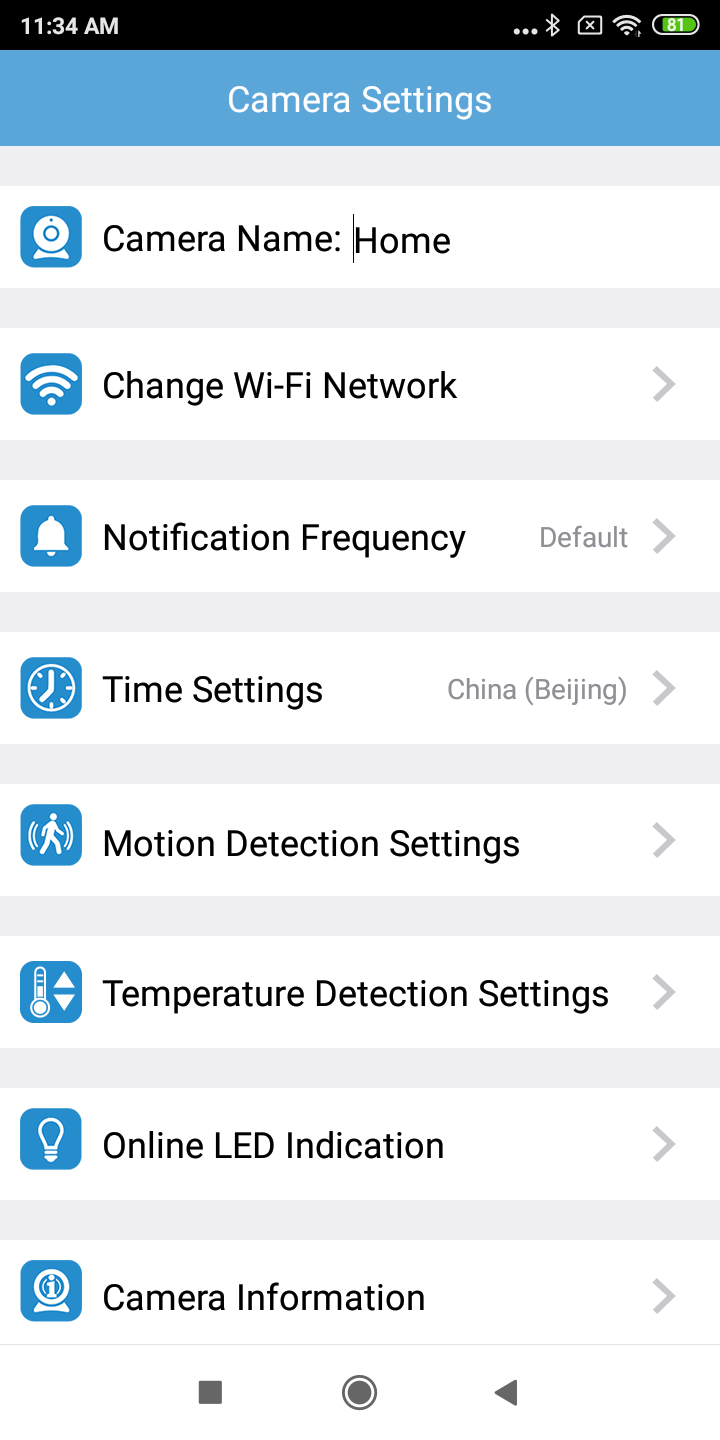
1. In the camera list, tap  of a paired camera to enter its Camera Settings menu.

2. Tap Time Settings.
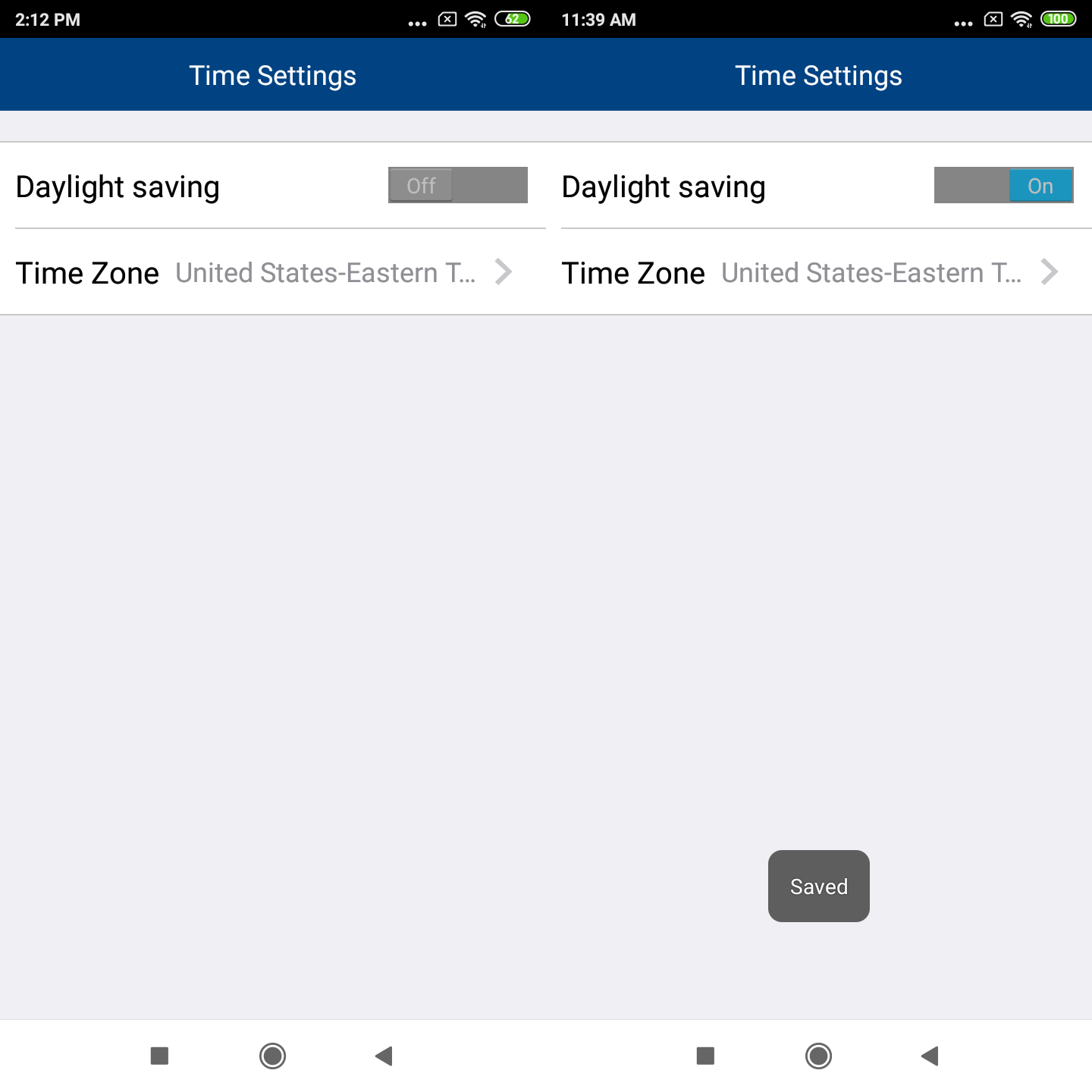
3. You can switch on the daylight saving function to advance the clock by one hour automatically during summertime. The default setting is OFF.
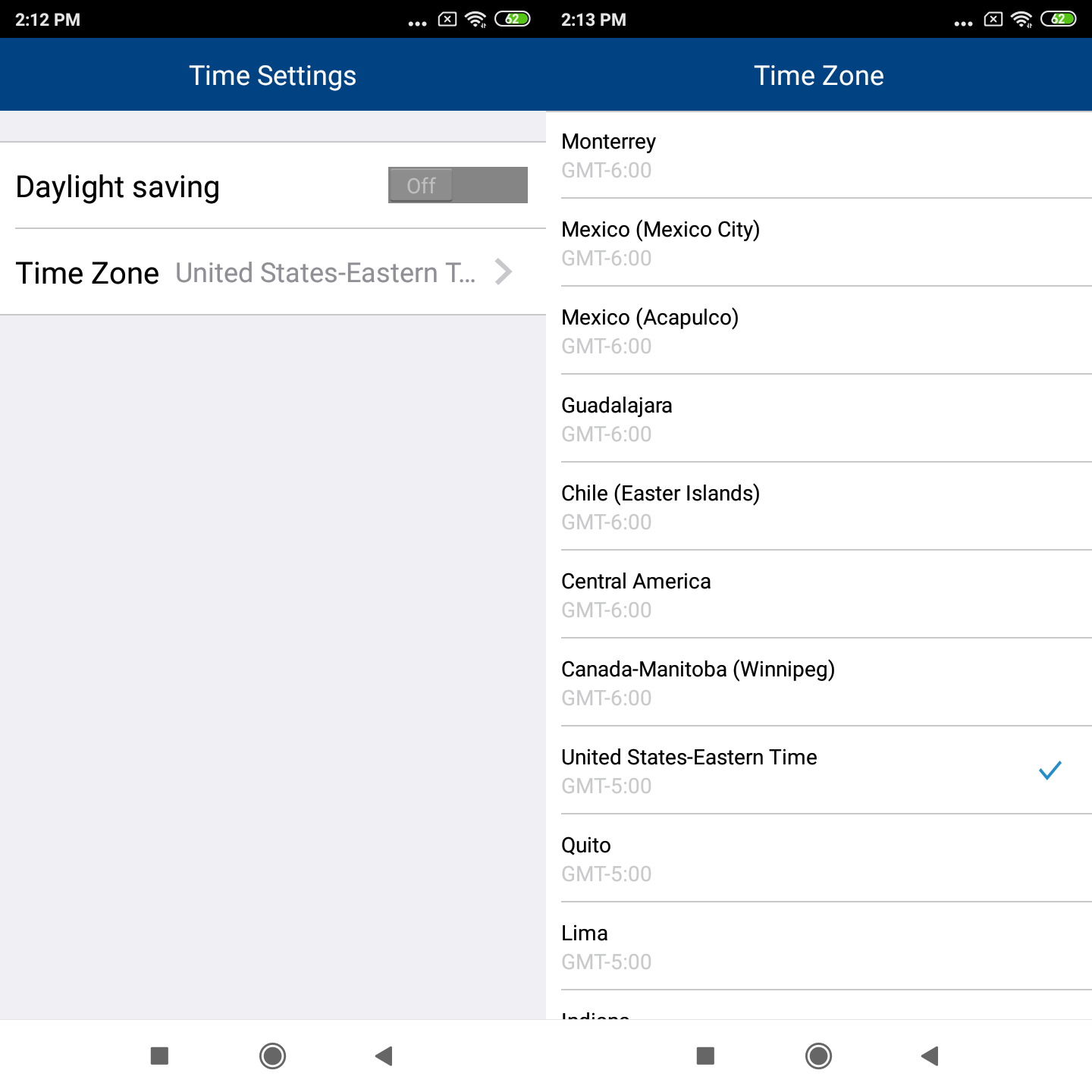
4. You can change the time zone. Tap Time Zone to select your desired time zone option.
 NOTES
NOTES
- The timestamps of event log entries use the time set in your parent unit, and not the time zone value set in the camera.
- The timestamps of manually captured media files use the time zone value set in the camera.